
Anbernic RG477M: Performance Drop and Effective Diagnosis
Generated by ReeFix AI · Sources: technical and specialist documentation (see Sources section)
Revision of 05/07/2026
⚠️ SAFETY WARNING / FIRE HAZARD. This device contains lithium batteries. Improper puncturing or bending during disassembly can cause explosions or flames. The intervention requires precision and the assistance of a specialized technician is recommended. ReeFix provides this diagnosis EXCLUSIVELY for educational and informational purposes.
TECHNICAL CHECKLIST
- Thermal & Frequency Monitoring: Use Android utilities (e.g., CPU Monitor) to detect SoC (CPU/GPU) temperatures and operating frequencies during a demanding game.
- MicroSD Test: Perform a read/write benchmark on the MicroSD. Try playing games installed on internal memory (if possible) or with a certified A2 class MicroSD.
- Software Verification: Restore factory settings, update the firmware to the latest official version, and clear the shader cache of problematic emulators.
- Battery Under Load Check: Test performance with the console connected to the power adapter. Monitor battery voltage (if possible) during an intense benchmark.
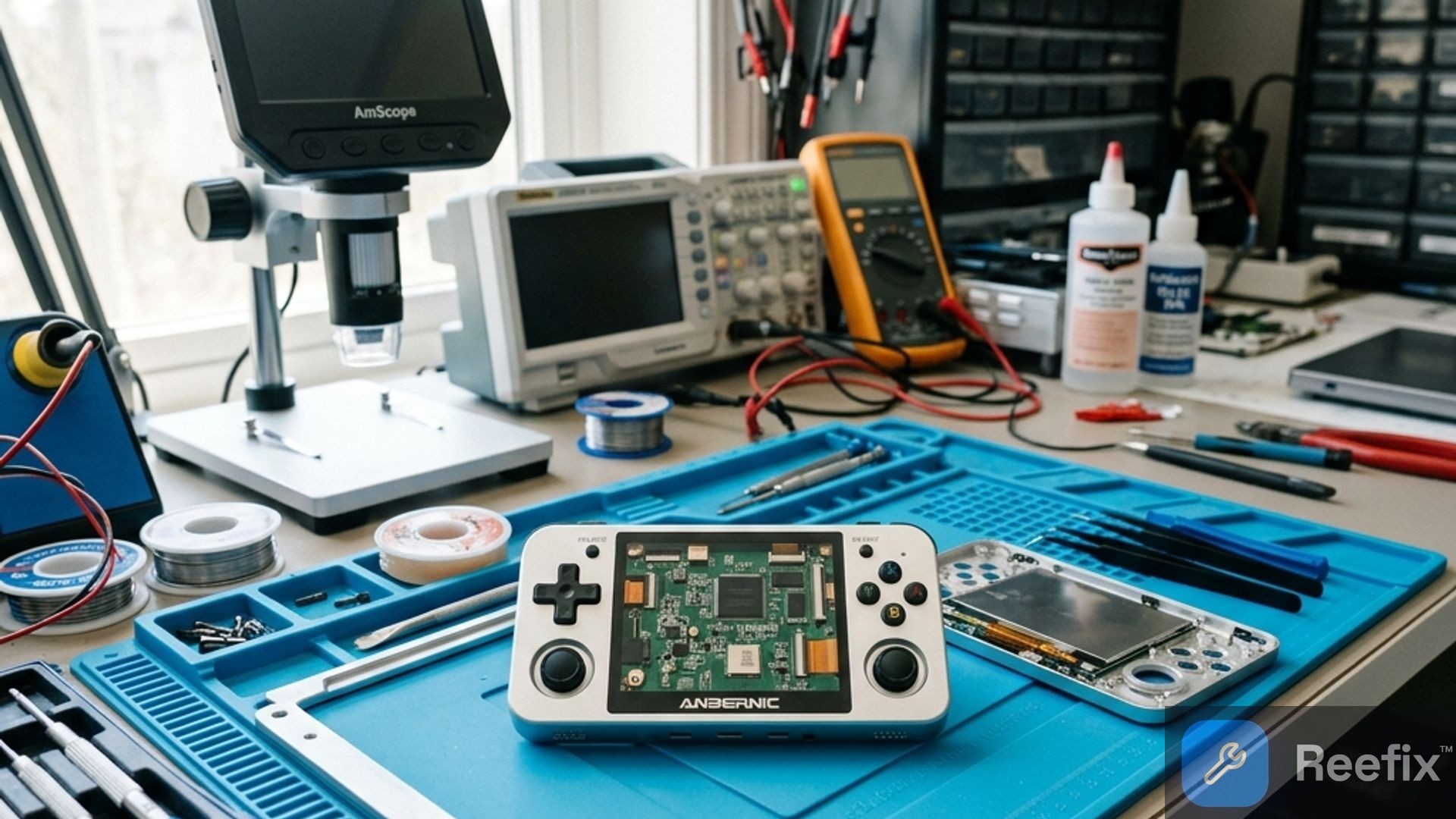
- Internal Visual Inspection (Technician): Open the device to check the condition of the thermal paste/pad between the SoC and the heatsink. Check adhesion, flatness, and proper functioning of the active cooling fan.
INSPECTION RESULT
1. Thermal Throttling (SoC Overheating or Fan Malfunction) — 50%
- Key Signals: Performance drop is not immediate but occurs after 5-10 minutes of intense gaming, with the metal casing becoming noticeably hot. Frame rates progressively decrease.
- Why It Happens: The thermal paste or thermal pads between the SoC (MediaTek Dimensity 8300) and the internal heatsink have degraded or become misaligned, or the active cooling fan is obstructed by dust, damaged, or set to too low a profile. This prevents effective heat dissipation, forcing the system to reduce frequencies to self-protect.
If, in addition to the frame rate drop, you notice an abnormal hum or metallic whistle coming from the back of the console, it is very likely that the fan is damaged or misaligned. Excessive noise is the first warning sign of a cooling system about to fail.
- Quick Checks: Check if the fan is spinning correctly and if the airflow is unobstructed. If monitoring shows SoC temperatures above 80-85 °C coinciding with the frame rate drop, thermal dissipation is the primary problem.
- Common Errors: Confusing throttling with a generic software problem, without checking temperatures or fan status.
- Tools Needed: iFixit precision screwdriver kit for Anbernic RG477M, quality thermal paste like Noctua NT-H1, silicone thermal pads, compressed air can for cleaning.
2. Software Issues, Drivers, or Corrupted Shader Cache — 25%
- Key Signals: Slowdown occurs only with specific emulators or games, or started immediately after a firmware update. It may manifest as micro-stuttering or sudden drops.
- Why It Happens: Unoptimized Mali graphics drivers, buggy firmware, or corrupted shader cache files causing an abnormal load on the CPU and GPU.
- Quick Checks: Perform a factory data reset and update the firmware. If the problem persists only with one emulator, try clearing its specific cache.
- Often Happens When: Users install unstable custom ROMs or update the system without resetting emulator configurations.
- Prevention Tips: Always use official firmware or well-reviewed custom ROMs. Perform backups before updates.
3. MicroSD Bottleneck (I/O Bottleneck) — 15%
- Key Signals: Frequent micro-stutters, particularly during loading of new game areas, cutscenes, or when audio crackles in conjunction with slowdowns.
- Why It Happens: Low-quality or worn MicroSD cards cannot provide game data fast enough, blocking the main rendering thread and causing frame rate drops.
- Quick Checks: Test the device with games loaded on internal memory (if supported) or temporarily replace the MicroSD with a new certified A2 class one (e.g., a Samsung EVO Select MicroSD card).
4. Battery Degradation or PMIC Instability — 10%
- Key Signals: The console noticeably slows down only when the battery charge drops below 30-40% or suddenly shuts down under load, even with residual charge.
- Why It Happens: The internal resistance of the battery (ESR) has increased due to wear, causing voltage sag under load. The PMIC (power management integrated circuit) limits power to the SoC to prevent shutdowns.
- Counter-examples: If the problem also occurs with the console connected to power, it is less likely to be the battery.
- Tools Needed: For battery replacement: iFixit precision screwdriver kit, a compatible replacement Li-Po battery. PMIC diagnosis requires specialized equipment.
OPERATIONAL DECISION: If the performance drop is related to overheating (50%), consider cleaning the fan or replacing the thermal paste and pads: you can attempt DIY if you have experience (high risk) or consult a technician. If software or MicroSD checks (40% combined) resolve the issue, the problem is solvable independently. If the problem is clearly the battery (10%), replacement is a feasible DIY intervention with caution; for the PMIC, a technician is required. If multiple problems combine or the estimated technician cost exceeds 50% of the device's value, consider replacing the console.
Why does the Anbernic RG477M have a sudden performance drop?
The performance drop of the Anbernic RG477M is often due to overheating (thermal throttling), MicroSD card issues, or outdated software.
How can I tell if the Anbernic RG477M is overheating?
If it slows down after 5-10 minutes of gaming, the casing is hot, and frame rates drop, it's thermal throttling. Monitor temperatures with dedicated apps.
When do I need a technician for the Anbernic RG477M?
Contact a technician if the problem is hardware-related, such as replacing thermal paste, repairing the fan, or PMIC issues.
This diagnostic report is generated using an artificial intelligence system (RAG) based on the aggregation of online data. No publication happens automatically: the rigorous multi-step moderation by Luca Chia (Electronic Expert) validates its logical coherence and technical plausibility regarding the described symptoms, confirming the correctness of the AI's diagnostic reasoning, without however constituting an absolute guarantee of resolution for individual cases.