
Anbernic Win600 Gyroscope Not Working: Diagnosis
Generated by ReeFix AI · Sources: technical and specialist documentation (see Sources section)
Revision of 05/07/2026
SAFETY WARNING / FIRE RISK. This device contains lithium batteries. Improper puncturing or bending during disassembly can cause explosions or flames. The intervention requires precision and the assistance of a specialized technician is recommended. ReeFix provides this diagnosis EXCLUSIVELY for educational and informational purposes.
CAUSE A: Physical Absence of the Sensor (Hardware Not Present from Factory)
Probability: 95% The main reason why the gyroscope "does not work" on the Anbernic Win600 is that the console is not physically equipped with an integrated gyroscopic sensor (IMU). Unlike other devices such as the Steam Deck or other Android-based Anbernic consoles (e.g., RG556), the Win600 was designed without this hardware component. Consequently, no operating system (neither Windows nor SteamOS) will ever be able to detect an internal gyroscope.
- Key signals:
- The gyroscope does not respond in any game or emulator, on both Windows and SteamOS.
- Diagnostic commands like
monitor-sensoror searching for IIO devices in system logs do not show any internal motion peripheral. - The console is completely original and has never been modified with external hardware.
- Quick checks:
- Check official specifications: Consult the manufacturer's technical sheet. The Anbernic Win600 does not include an integrated 6-axis gyroscope.
- Test with external peripherals: If you connect a controller equipped with a gyroscope (like a PlayStation or Nintendo Switch controller), you will notice that the system correctly detects its movements, confirming that the problem is not with the operating system but with the absence of internal hardware.
- Costs: €0. It is not possible to repair a component that does not exist. The only solution is to purchase a compatible external controller (cost varies between €30 and €70).
- Necessary tools: If you want to connect external controllers, keyboards, or mice to configure your emulators, we recommend using a practical USB-C Hub with HDMI and USB.
- Often happens when... it is assumed that all modern portable PC consoles share the same hardware features as the Steam Deck.
CAUSE B: Incorrect External Gyroscope Configuration (SteamOS / Windows)
Probability: 4% If you are trying to use the gyroscope via an external controller (or a third-party motion module) and it is not working, the problem is related to missing mapping or driver incompatibility within SteamOS or Windows.
- Key signals:
- The external controller is connected, but physical movements do not translate into game actions.
- In SteamOS, the controller is not recognized as a peripheral with motion input.
- Quick checks:
- Steam Input Configuration: Go to Steam controller settings, select the external controller, and ensure the gyroscope is enabled and configured (e.g., "Gyro as mouse" or "Gyro as joystick").
- Driver verification on Windows: If you use Windows, make sure to use third-party software like Handheld Companion or DS4Windows to correctly map the external controller's sensors.
- Costs: €0 for autonomous software configuration. If you decide to rely on an IT technician to configure the gaming environment or drivers, the estimated cost is around €30-€60.
- Counter-examples: If you have not connected any external peripherals, this cause is not applicable as the console alone cannot generate motion data.
CAUSE C: Useless Disassembly and Risk of Hardware Damage
Probability: 1% Some users, convinced that the gyroscope is present but "disconnected" or "faulty," attempt to disassemble the console to look for the IMU chip on the motherboard. This behavior is not only useless (since the chip does not exist) but also exposes the device to serious risks of damaging internal components or the battery.
- Key signals:
- The console has been recently opened.
- Presence of physical damage to internal connectors, torn flat cables, or stripped screws.
- Startup or overheating problems arising after the attempt at internal inspection.
- Quick checks (NOT RECOMMENDED if you lack expertise):
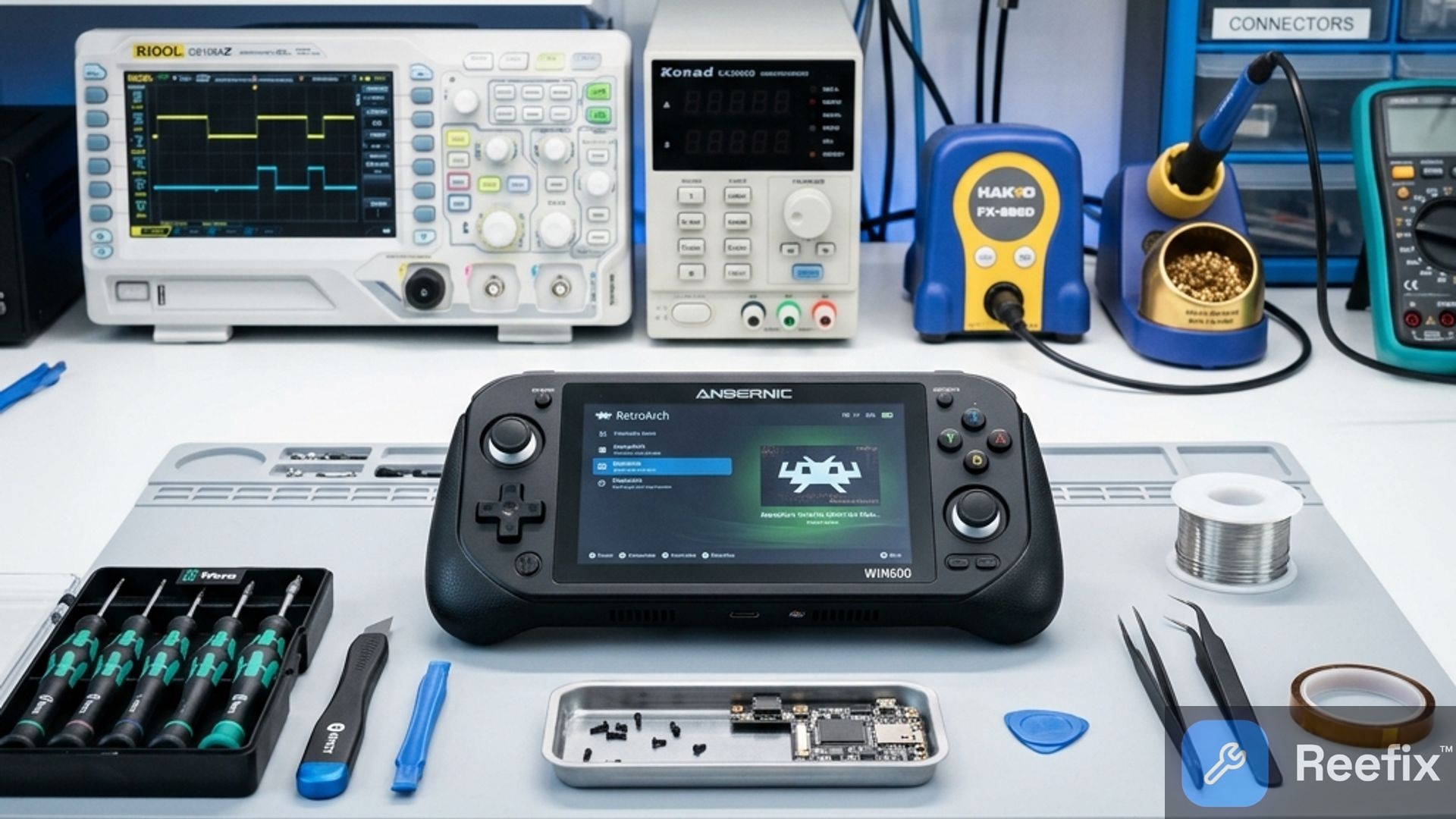
- Avoid disassembly: Do not open the console looking for a gyroscope. If you have already opened the device using an iFixit Precision Screwdriver Kit, IMMEDIATELY DISCONNECT THE BATTERY to avoid short circuits, but close the device as soon as possible.
- Multimeter use (for technicians only): A qualified technician could use a Precision Digital Multimeter to diagnose other power problems on the motherboard, but will not find any power line dedicated to an integrated IMU chip.
- Costs: If clumsy disassembly has caused damage to the motherboard or battery, repair costs at a specialized lab can range from €80 to over €150, making the intervention uneconomical compared to the residual value of the Anbernic Win600.
WHICH ONE IS YOURS?
- If you thought the console had an internal gyroscope and you can't activate it: It's CAUSE A. This is not a fault, but a hardware limitation of the device. Do not attempt to disassemble the console. The solution is to use an external controller equipped with a gyroscope.
- If you have connected an external controller with a gyroscope but it doesn't respond in games: It's CAUSE B. The problem is software-related or due to driver configuration on Windows or SteamOS.
- If you disassembled the console in an attempt to find or repair the sensor and now the device has problems: It's CAUSE C. You have exposed the console to unnecessary electrical and mechanical risks. Contact a technician to restore the general proper functioning of the device.
Operational decision: The Anbernic Win600 does not have an integrated gyroscope. Avoid any attempt at hardware repair or disassembly, as it would be useless and harmful. To get motion controls, purchase a compatible external controller and configure it via Steam Input or dedicated software. If you have damaged the console during disassembly, contact a specialized technician for a diagnosis of collateral damage.
Why doesn't the Anbernic Win600 gyroscope work?
The Anbernic Win600 does not have a gyroscope integrated from the factory. This is not a fault, but a physical absence of the hardware component.
How can I use motion controls on Anbernic Win600?
You need to connect an external controller equipped with a gyroscope (like DualSense or Switch Pro) and configure it via Steam or Windows.
Is it worth disassembling the Anbernic Win600 to repair the gyroscope?
No, disassembly is useless since the chip does not exist and only risks damaging the lithium battery or the motherboard.
This diagnostic report is generated using an artificial intelligence system (RAG) based on the aggregation of online data. No publication happens automatically: the rigorous multi-step moderation by Luca Chia (Electronic Expert) validates its logical coherence and technical plausibility regarding the described symptoms, confirming the correctness of the AI's diagnostic reasoning, without however constituting an absolute guarantee of resolution for individual cases.