
AYN Thor: Overheating and Rapid Battery Drain - Diagnosis
Generated by ReeFix AI · Sources: technical and specialist documentation (see Sources section)
Revision of 05/07/2026
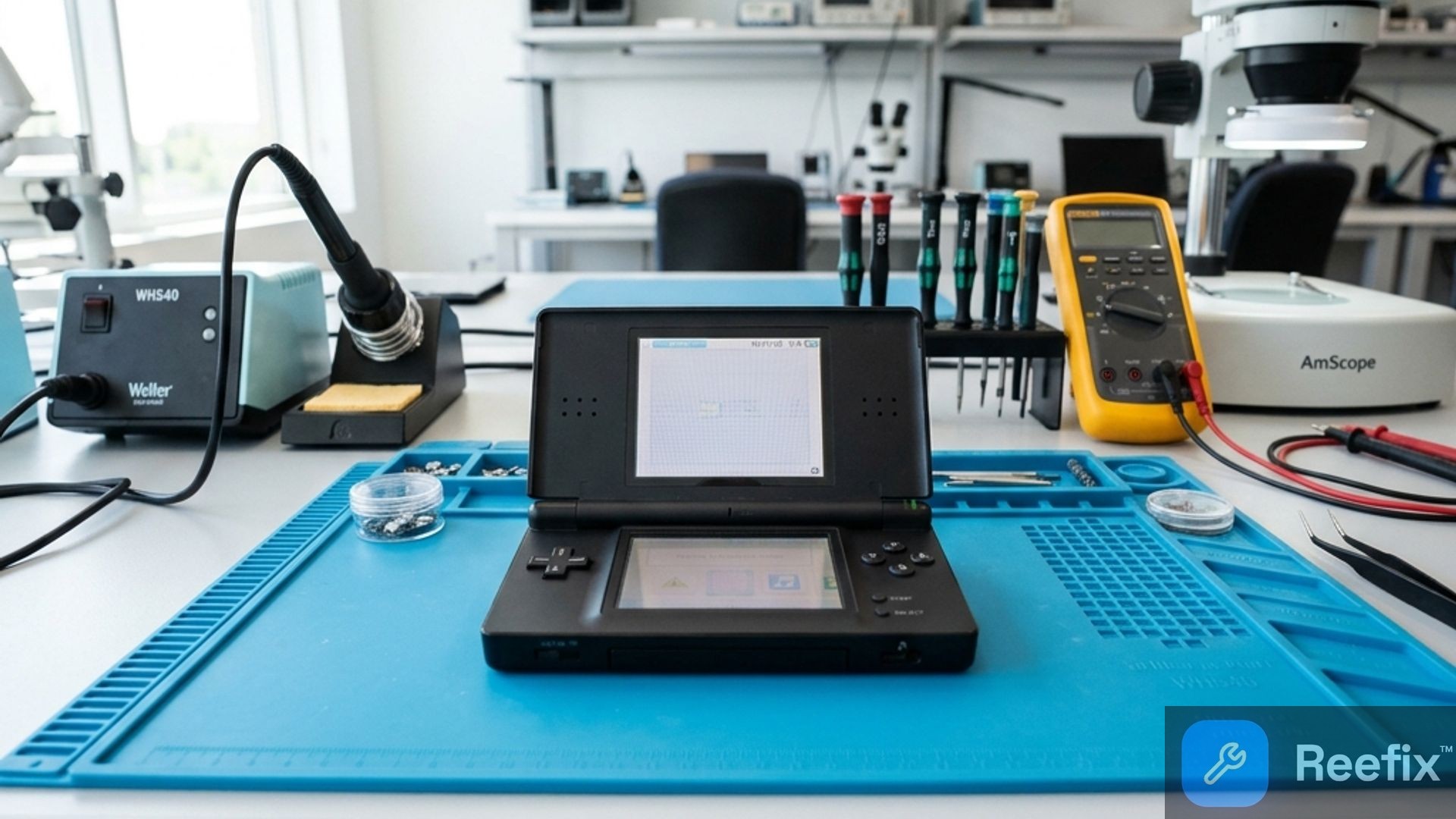
⚠️ SAFETY WARNING / FIRE RISK. This device contains lithium batteries. Improper puncturing or bending during disassembly can cause explosions or flames. The intervention requires precision and the assistance of a specialized technician is recommended. ReeFix provides this diagnosis EXCLUSIVELY for educational and informational purposes.
MAIN CAUSE
Overheating and rapid battery drain on the AYN Thor stem from interconnected thermal management and software issues:
- Lack of Deep Sleep (Software Wakelock): High probability (approx. 45%). The operating system or background applications prevent the CPU from entering a deep sleep state even when the screen is off. This keeps the processor active, generating heat and draining the battery rapidly even in standby. Typically, the console feels warm and is drained after a few hours of inactivity.
- Degradation of Thermal Interface (Dry Thermal Paste): Medium-High probability (approx. 30%). The thermal paste or thermal pad between the System on Chip (SoC) and the heatsink has degraded. This prevents heat generated by the processor from being effectively transferred, causing a rapid increase in internal and casing temperatures. The fan constantly runs at maximum and performance drops (thermal throttling).
- Chemical Wear or Battery Damage: Significant probability (approx. 20%). Prolonged exposure to high temperatures (often caused by the first two points) accelerates the chemical degradation of lithium cells. This leads to a reduction in effective capacity, sudden shutdowns even with indicated residual charge, and, in advanced cases, physical swelling of the battery.
These causes are mutually influential: a hot SoC degrades the battery faster, and inefficient software keeps the SoC hot even at rest.
VERIFICATION
To understand the origin of the problem, perform these checks:
- Standby and Temperature Test:
- Key symptom: Console warm and battery drained after leaving it in standby for hours (e.g., overnight), without using it.
- Action: Fully charge the AYN Thor. Leave it in standby for 4-6 hours. If it is warm to the touch and the battery has dropped drastically (e.g., from 100% to less than 30%), it is a strong indicator of software wakelock.
- Performance Monitoring Under Load:
- Key symptom: Fan constantly at maximum, drastic drop in frames (lag) after a few minutes of gaming.
- Action: Play a demanding game for 15-20 minutes. If the console overheats rapidly and performance visibly decreases, a thermal interface problem is likely.
- Signs of Battery Damage:
- Key symptom: Sudden shutdowns at medium charge percentages (20-30%), extremely rapid or non-linear charging, visible deformation of the rear casing.
- Action: Visually inspect the back of the console for any swelling. If present, the battery is compromised and requires immediate attention.
Tools for the Technician: In-depth diagnosis requires an iFixit precision screwdriver kit for opening, a precision digital multimeter for electrical tests, and for thermal restoration, Honeywell PTM7950 thermal paste and 99% Isopropyl Alcohol.
OPERATIONAL OUTCOME
Based on verifications and probabilities:
- If the Standby test indicates Wakelock or the Performance test indicates Thermal Degradation (the most probable causes):
- Repair yourself (Medium Difficulty): If you have advanced experience with Android software (ADB, firmware) and are able to disassemble the device to change the thermal paste (parts cost approx. €10-€15), you can attempt the repair. The intervention is delicate and involves risks.
- Consult a technician (Estimated total cost €50-€85): This is the most recommended solution. A technician can diagnose and resolve software issues, and/or perform a professional thermal restoration. Labor costs are around €40-€70, plus the cost of thermal paste (€10-€15).
- If the device shows signs of Battery Damage (swelling, sudden shutdowns):
- Repair yourself (Medium-High Difficulty): Requires replacement of the 6000mAh Li-Po battery compatible with AYN Thor. Handling swollen batteries is dangerous.
If you notice that the console's lower screen starts to lift on the left side or the rear casing appears deformed, the battery is swelling and immediate replacement is essential. To safely disassemble, it is necessary to disconnect the upper flat cables, remove the dissipation fan, and free the plastic housing before being able to extract the connector.
- Consult a technician (Labor cost €40-€70 + battery cost): This is the safest and most reliable option for battery replacement.
- Replace the device: Consider this option only if the repair cost exceeds 60-70% of the value of a new or used AYN Thor, or if a technician diagnoses economically irreparable motherboard damage.
Operational decision: For most users, consulting a specialized technician is the most balanced and safest choice for reliable diagnosis and repair, given the complexity of hardware and software interventions and the risks associated with handling lithium batteries.
Why does the AYN Thor overheat and drain the battery quickly?
It depends on software wakelocks (lack of deep sleep), thermal paste degradation, or wear of the 6000mAh battery.
How to tell if the AYN Thor's overheating is serious?
If the console is hot to the touch in standby, the fan always runs at maximum, or there are frame rate drops (lag) during gaming.
When to contact a technician for battery or heat issues?
If you notice bulging of the casing or sudden shutdowns, rely on a technician to avoid fire risks with the lithium battery.
This diagnostic report is generated using an artificial intelligence system (RAG) based on the aggregation of online data. No publication happens automatically: the rigorous multi-step moderation by Luca Chia (Electronic Expert) validates its logical coherence and technical plausibility regarding the described symptoms, confirming the correctness of the AI's diagnostic reasoning, without however constituting an absolute guarantee of resolution for individual cases.