The listed partner professionals are independent entities. ReeFix acts exclusively as a referral platform and declines any liability for the services they provide.
🚀 Launched April 1, 2026
Chia Luca | P.IVA IT01433480991 | Sede Legale: Via Filippo Casoni 4a r, Genova (GE) Italia | Reefix™ è un marchio depositato di Luca Chia.
Diagnosis of Dirty Heart Rate Sensor Error Garmin Fenix 7
📋 AI-generated diagnosis based on technical documentation Generated by ReeFix AI · Sources: technical and specialist documentation (see Sources section) Revision of 15/05/2026
ⓘThe spare parts links below are Amazon or eBay affiliate links. If you purchase through these links, we earn a small commission at no extra cost to you.
⚠️ SAFETY WARNING / FIRE HAZARD. This device contains lithium batteries. Improper puncturing or bending during disassembly can cause explosions or flames. The intervention requires precision and the assistance of a specialized technician is recommended. ReeFix provides this diagnosis EXCLUSIVELY for educational and informational purposes.
VERIFICATION
Hard Reset and Firmware Update: Perform a complete hard reset of your Garmin Fenix 7 (consult the specific user manual for the procedure). Subsequently, connect the watch to your computer and force a check and, if available, a reinstallation or update of the firmware via Garmin Express. This can resolve temporary software glitches.
Thorough HR Sensor Cleaning: Meticulously clean the optical sensor lens on the back of the watch with a soft, clean cloth slightly dampened with distilled water. Ensure there are no sweat residues, creams, or debris.
Functional Test Post-Reset/Cleaning: After completing steps 1 and 2, wear the watch correctly for a heart rate test. Then, take the watch outdoors to an area with a clear sky and start an activity that requires GPS for at least 5-10 minutes, monitoring signal acquisition and retention.
OPERATIONAL OUTCOME
If problems persist after Hard Reset, update, and cleaning:
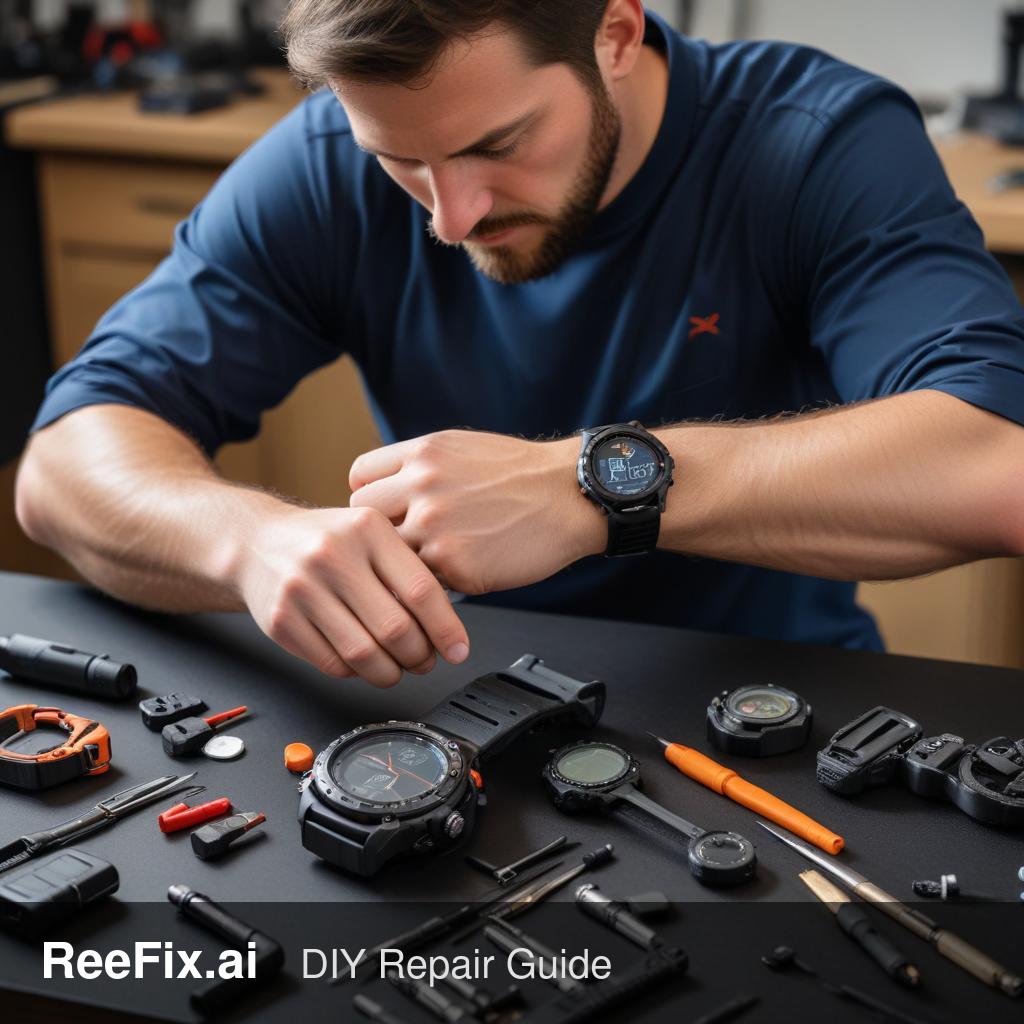
Consult a technician: The complexity of internal components (motherboard, sensor modules Garmin Fenix 7 Optical Heart Rate Sensor Module, Garmin Fenix 7 GPS Antenna) makes DIY repair extremely risky and requires specific tools such as a Smartwatch precision screwdriver set, Plastic opening tools for electronics, and an Antistatic wrist strap. A professional can diagnose a hardware failure (e.g., battery (Garmin Fenix 7 Battery), logic board, modules) or a deeper firmware corruption.
Consider replacement: If the estimated repair cost (which can be medium-high, given specialized labor and parts cost) exceeds 50-60% of the value of a new Garmin Fenix 7, replacing the device is the most economical and reliable choice.
If problems are resolved after Hard Reset and/or cleaning:
DIY repair: The problem was a temporary software glitch or superficial dirt. Monitor the device, but no further intervention is needed.
If the problem persists after Hard Reset and cleaning, consult a technician or consider replacement based on cost; otherwise, the problem is resolved.
You are reading a premium analysis that we chose to make accessible to everyone. If you have another problem to identify, create your account: the first technical verification is on us!
⭐ Verified ReeFix Partners
This diagnostic report is generated using an artificial intelligence system (RAG) based on the aggregation of online data. The moderation by Luca Chia (Electronic Expert) validates its logical coherence and technical plausibility regarding the described symptoms, confirming the correctness of the AI's diagnostic reasoning, without however constituting an absolute guarantee of resolution for individual cases.