
DJI Mini 4 Pro: Failed Pairing with RC-N2 - Solution
Generated by ReeFix AI · Sources: technical and specialist documentation (see Sources section)
Revision of 07/07/2026
⚠️ SAFETY WARNING / FIRE RISK. This device contains lithium batteries. Improper puncturing or bending during disassembly can cause explosions or flames. The intervention requires precision and the assistance of a specialized technician is recommended. ReeFix provides this diagnosis EXCLUSIVELY for educational and informational purposes.
MAIN CAUSE
Failed pairing between the DJI Mini 4 Pro and the RC-N2 remote controller, especially after a firmware update, is almost always due to a firmware mismatch. This happens because DJI's O4 communication protocol requires perfect synchronization of frequency tables and encryption keys between the drone and the remote controller. If the OTA (Over-The-Air) update fails on one of the two devices (e.g., due to Wi-Fi interruption or power drop), they "speak different languages," preventing the security handshake. This is the most probable cause, with an estimated 75%. It often occurs when an update is interrupted or not completed correctly on one of the two modules.
Other less frequent causes include:
- DJI Fly app software conflict or corrupted cache (15%): The app on your smartphone mediates the pairing process; if it's corrupted or has incorrect permissions, the binding command is not interpreted.
- Hardware damage to the RF module or antennas (8%): Overheating during flashing or physical damage can compromise radio signal emission.
- Minor or concurrent causes (2%): Environmental interference during binding or temporary overheating issues.
VERIFICATION
To identify the cause and attempt a solution, follow these steps in order:
- Firmware Verification and Alignment (First attempt, high probability of success):
- Connect the DJI Mini 4 Pro and then the RC-N2 remote controller, one at a time, to a PC/Mac via a USB-C data cable.
- Use the DJI Assistant 2 (Consumer Drones Series) software. Perform the "Firmware Refresh" function on both devices, installing the latest available version and ensuring it is the same for both.
- Key signals: If the drone and remote controller enter binding mode (slow flashing yellow LEDs on the drone, repeated beeps on the remote controller) but the procedure on the DJI Fly app does not complete, a firmware mismatch is very likely.
- DJI Fly App Verification (Second attempt):
- Completely uninstall the DJI Fly app from your smartphone, clear data and residual cache.
- Reinstall the latest official version of the app downloaded directly from the DJI website.
- Try performing manual binding: turn on the drone and press the power button for about 4 seconds (until it emits a single beep). Then, on the remote controller, simultaneously press and hold the Fn button, the Photo/Video selector, and the Shutter/Record button for about 2 seconds (until the remote controller emits a beep and the battery level LEDs start scrolling).
- Counter-example: If the remote controller does not respond to binding commands sent from the smartphone, or the app crashes, this indicates a problem with the app.
-
Power and SD Card Verification:
- Ensure the DJI Mini 4 Pro Intelligent Flight Battery of the drone is charged above 50% during any update or binding attempt.
- If you are using a SanDisk Extreme Pro MicroSD Card for offline updates, ensure it is correctly formatted and has sufficient space.
-
Hardware Verification (For technician only):
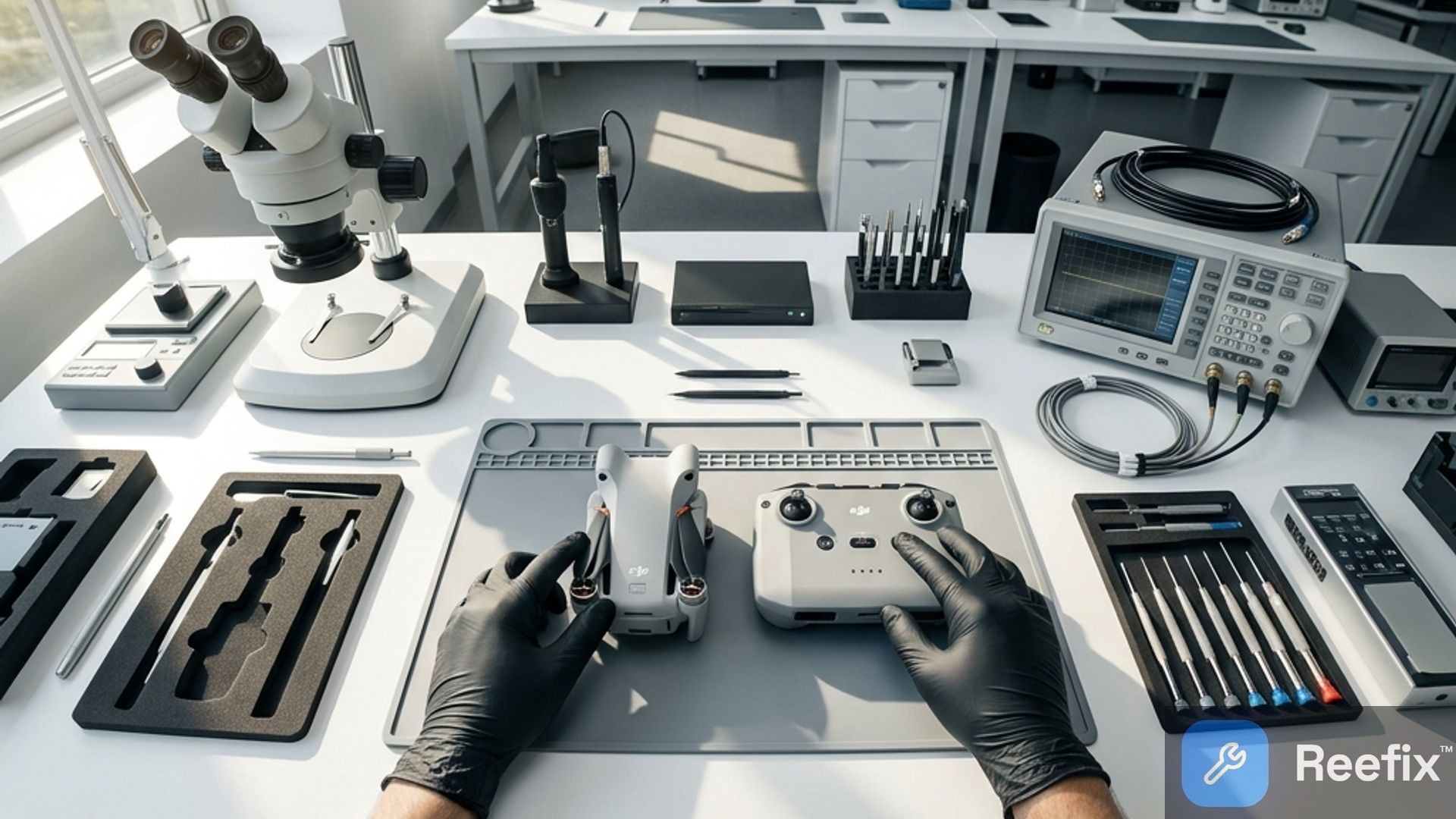
- If the drone emits no detectable radio signal or the signal is absent even a few centimeters away, there might be physical damage to the RF module or antennas. This verification requires opening the drone and specific instrumentation (e.g., oscilloscope, RF power meter) to check the integrity of IPEX/U.FL antenna connectors or the current absorption of the RF module on the Core Board.
- A technician could also test with a replacement DJI RC-N2 Remote Controller to rule out a fault in your remote controller.
OPERATIONAL OUTCOME
Quick Decision:
- If the problem is resolved in step 1 (Firmware Update with DJI Assistant 2): You can repair it yourself. The cost is zero, apart from the possible purchase of a quality USB-C cable (approximately €5-€15).
- If the problem is resolved in step 2 (DJI Fly App Reinstallation): You can repair it yourself. The cost is zero.
- If steps 1 and 2 fail, but the drone and remote controller show signs of life: Contact a specialized technician. Professional diagnosis and forced flashing cost approximately €30-€60 in labor. A technician will also check error logs and internal hardware.
- If the drone or remote controller shows no signs of radio transmission or is visibly damaged: The cost of hardware repair (RF module or motherboard replacement) could be high (hundreds of euros) and often uneconomical compared to the value of a new DJI RC-N2 Remote Controller or an Intelligent Flight Battery if that were the problem. In these cases, consider replacing the defective component or, if the damage is extensive, the entire device.
Conclusion: Always start with forced firmware flashing via DJI Assistant 2. If this doesn't resolve the issue, reinstall the DJI Fly app. If the problem persists, contact a technician. If the technician confirms a serious hardware fault, consider replacing the component or the drone.
Why won't my DJI Mini 4 Pro pair with the RC-N2 after an update?
The main cause (75%) is a firmware mismatch between the drone and the remote controller, often due to an interrupted or incomplete update.
How to tell if the DJI pairing failure is a firmware issue?
If it occurs after an update, a mismatch is likely. The DJI Fly app will show connection errors or unaligned firmware versions.
When is a technician recommended for DJI Mini 4 Pro pairing failure?
If firmware realignment fails or you suspect hardware damage to antennas or the RF module, contact a technician for a professional diagnosis.
This diagnostic report is generated using an artificial intelligence system (RAG) based on the aggregation of online data. No publication happens automatically: the rigorous multi-step moderation by Luca Chia (Electronic Expert) validates its logical coherence and technical plausibility regarding the described symptoms, confirming the correctness of the AI's diagnostic reasoning, without however constituting an absolute guarantee of resolution for individual cases.