
Electrolux EOC5C70X Oven Fan Not Working - Diagnosis Guide
Validated by Luca Chia, Certified Electronic Technician
Revision of 13/06/2026
⚠️ SAFETY WARNING / ELECTRICAL HAZARD. This appliance operates with High Voltage or residual charges. Physical intervention is highly dangerous, and it is strongly recommended to entrust it to a qualified specialized technician to avoid electrocution. ReeFix provides this diagnosis EXCLUSIVELY for educational and informational purposes.
REQUIRED TOOLS
- Multimeter: To measure continuity and resistance (for qualified technicians only).
- Set of insulated screwdrivers: For accessing internal components (for qualified technicians only).
PHASE 1: Initial Fan and Power Supply Check
The F07 error, combined with the fan not working and the temperature drop, indicates a serious problem in the thermal control system. Let's start with the most direct component.
Cause 1: Cooling Fan Motor Failure (Probability: 25%) The fan motor might be jammed, have worn bearings, or burnt windings. If the fan does not spin, hot air is not expelled, causing internal overheating of the board and the thermal anomaly detected by the sensor, which in turn can generate the F07.
- Key signals: No noise from the fan, visibly jammed blades or difficult to move manually (with the device off and unplugged). Sometimes, a slight hum without rotation indicates a mechanical blockage or a starting problem.
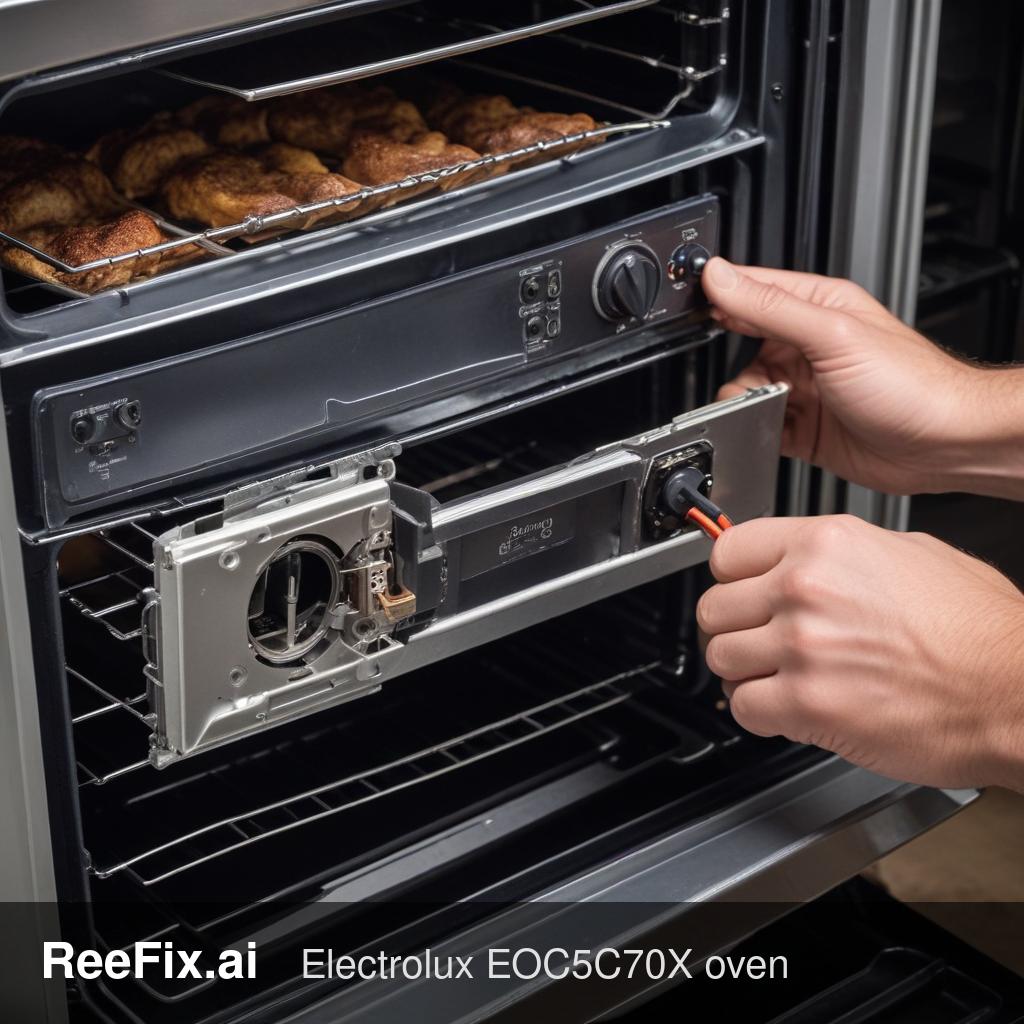
- Quick check (user): Turn off and unplug the oven. If possible, try to manually move the fan blades (often accessible from the back or inside after removing panels) to check for mechanical blockages. If they are jammed or turn with difficulty, it's a strong indication.
- Check (technician): With the device unplugged, measure the continuity of the motor windings with a multimeter. An open circuit indicates a burnt winding. A technician will also check if voltage reaches the motor when the board attempts to activate it.
- Counter-example: If the blades spin freely and there are no suspicious noises, a pure mechanical failure of the motor is less likely.
- Replacement part: Electrolux EOC5C70X Cooling Fan Motor
PHASE 2: Advanced Electronic Diagnosis
If the fan shows no obvious mechanical blockages, the problem shifts towards electronic control.
Cause 2: Control Board (Main PCB) Failure (Probability: 60%) The control board is the brain of the oven. It manages fan activation, reads the temperature sensor, and generates error codes like F07. A failure here can prevent the command from being sent to the fan or misinterpret data, leading to a temperature drop and the error.
- Key signals: Persistent and non-resettable F07 error, the fan does not receive power, other oven functions (e.g., heating elements, display) might be erratic or not working correctly.
- Check (technician): Visual inspection of the board for burnt components, swollen capacitors, or cold solder joints. A technician can test the output signals to the fan and check the operation of the relays on the board.
- Real micro-case: "It often happens that a voltage spike or prolonged thermal wear damages the relays on the board that control the fan, generating the F07 even if the fan is intact. It's a typical error that confuses the end-user."
- Replacement part: Electrolux EOC5C70X Control Board
Cause 3: Temperature Sensor (NTC Thermistor) Failure (Probability: 15%) If the temperature sensor is faulty, it sends incorrect readings to the control board. The board might then not correctly activate the fan or heating elements, causing a temperature drop and interpreting the situation as an anomaly, generating the F07.
- Key signals: Significant and unexplained temperature drop, F07 appearing after a period of operation (when the temperature should be stable).
- Check (technician): Measure the sensor's resistance at room temperature and compare it with the manufacturer's reference values. Check the integrity of the wiring from the sensor to the board, as a broken wire can simulate a faulty sensor.
- Replacement part: Electrolux EOC5C70X Temperature Sensor
FINAL CHECK
If the fan blades are jammed or the motor shows no signs of life after a manual check -> contact a technician for the replacement of the Electrolux EOC5C70X Cooling Fan Motor. If the blades spin freely and the F07 error persists, with or without other anomalies -> contact a technician to diagnose and potentially replace the Electrolux EOC5C70X Control Board or the Electrolux EOC5C70X Temperature Sensor. Considering the age of the device and the cost of electronic spare parts, if the technician's diagnosis indicates the control board, consider replacing the device as a more cost-effective option.
This diagnostic report is generated using an artificial intelligence system (RAG) based on the aggregation of online data. The moderation by Luca Chia (Electronic Expert) validates its logical coherence and technical plausibility regarding the described symptoms, confirming the correctness of the AI's diagnostic reasoning, without however constituting an absolute guarantee of resolution for individual cases.