
GoPro Hero 13 Black: audio and video desynchronization - Solution
Generated by ReeFix AI · Sources: technical and specialist documentation (see Sources section)
Revision of 06/07/2026
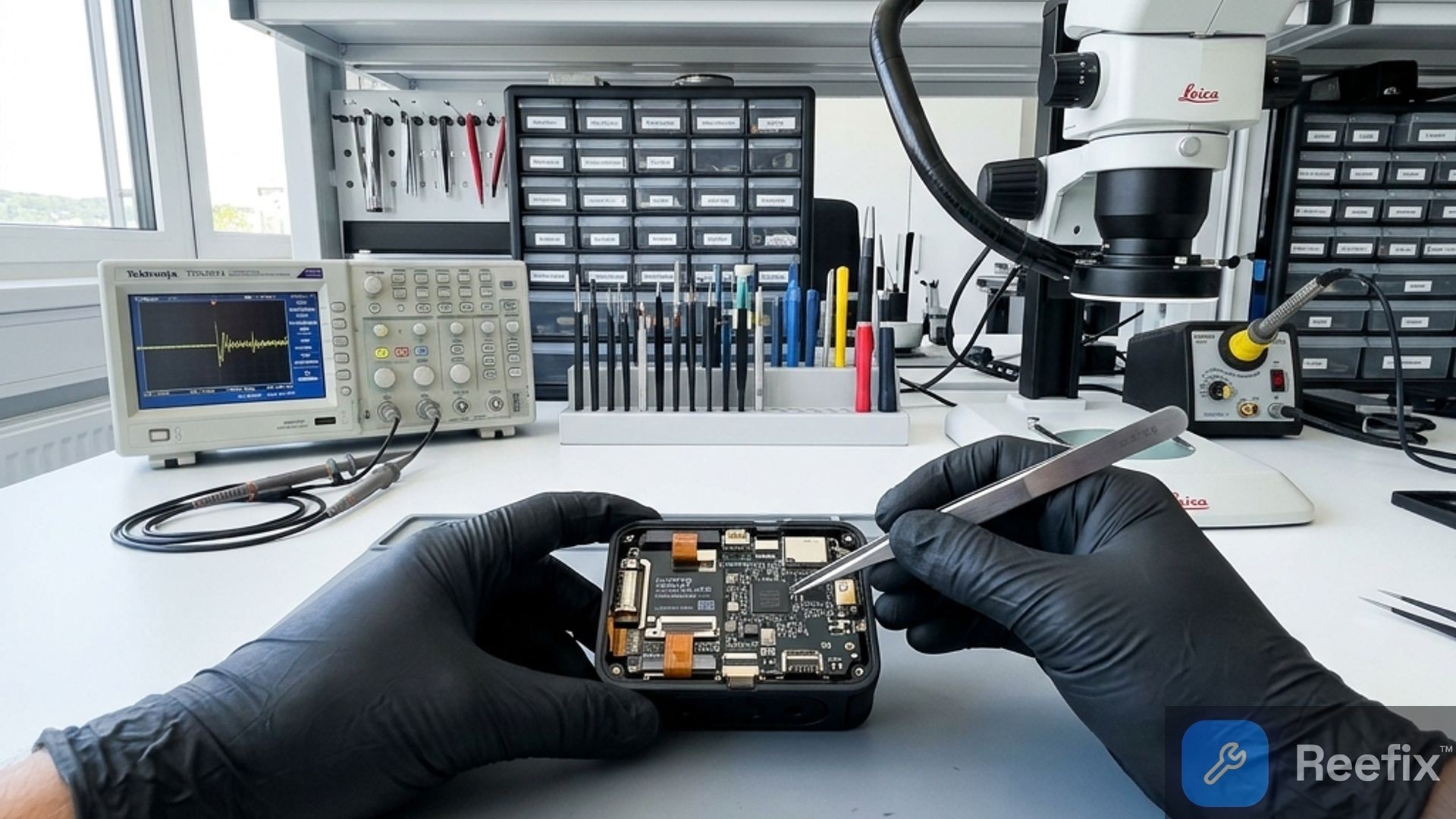
⚠️ SAFETY WARNING / BATTERY RISK. The GoPro Hero 13 Black uses a rechargeable lithium-ion battery (Enduro). Before any physical check or if you decide to inspect the contacts, always remove the battery. Do not puncture, bend, or expose the battery to heat sources to avoid short circuits, overheating, or fire risk. ReeFix provides this diagnosis EXCLUSIVELY for educational and informational purposes.
CAUSE A: Inadequate or degraded MicroSD card
Probability: 45% (High) This is the most frequent cause. High-resolution recording (5.3K, 4K HEVC) requires extremely high constant write speed. If the MicroSD card is not fast enough (e.g., not V30 or V60 certified) or is worn out, the camera is forced to "skip" video frames to maintain recording, while audio continues without interruption. This creates progressive desynchronization.
- Key signals/indicators:
- Desynchronization increases as the video progresses.
- Problem more evident with long or high-resolution/bit-rate recordings.
- Sometimes micro-blocks or video artifacts are noticed before desynchronization.
- Quick checks:
- Try recording with a new, reliable brand (e.g., SanDisk Extreme Pro) MicroSD card of a higher class (V60 or V90), formatted directly in the GoPro.
- Perform a sequential write speed test on your current card using a Kingston USB-C high-speed MicroSD card reader and software like CrystalDiskMark on your PC. The minimum speed should never drop below 30 MB/s for 4K/5.3K video.
- Costs: A new SanDisk Extreme Pro 128GB Memory Card for GoPro Hero 13 costs approximately €25-60.
- Prevention tips: Always use GoPro recommended memory cards, format them regularly from the camera, and replace them every 1-2 years of intense use. This is a typical user error that underestimates the impact of memory.
CAUSE B: Bluetooth audio latency
Probability: 30% (Medium-High) If you use external microphones or Bluetooth earphones, wireless transmission introduces inherent latency. The GoPro firmware must compensate for this latency. If the compensation is inaccurate, or if there are micro-interruptions in the RF connection, Bluetooth audio may arrive late compared to the video. The GoPro Hero 13 records separate audio tracks, and sometimes editing software can misinterpret them.
- Key signals/indicators:
- The problem manifests almost exclusively when using an external Bluetooth audio device.
- Recordings with the GoPro's internal microphones are (almost) perfectly synchronized.
- Quick checks:
- Perform a short test recording (30-60 seconds) using only the GoPro's internal microphones.
- Perform a second recording under the same conditions, but with your Bluetooth audio device connected.
- Compare the two videos. If the problem disappears or is drastically reduced with internal microphones, the cause is Bluetooth.
- Counter-examples: If desynchronization also occurs without any Bluetooth device connected, this is not the main cause.
- Mini-glossary: Latency: the delay between the emission of a sound and its acquisition/transmission.
CAUSE C: Firmware bug or incorrect timestamp management
Probability: 15% (Medium) An error in the GoPro's internal software (firmware) could cause incorrect management of "timestamps" (PTS - Presentation Time Stamps) that synchronize audio and video in the MP4 file. This can lead to a constant misalignment from the beginning of the video, regardless of the SD card or Bluetooth use. This often happens when a firmware update introduces a bug or if the previous installation was corrupted.
- Key signals/indicators:
- Desynchronization is constant and fixed from the beginning to the end of the video.
- The problem occurs with different memory cards and with both internal and external microphones.
- Quick checks:
- Check the official GoPro website for any available firmware updates. If so, install it following the manual procedure (via SD card).
- Perform a factory reset from the GoPro. This can resolve internal software conflicts.
- Costs: None, it's a software intervention.
WHICH ONE IS YOURS?
To decide in 60 seconds:
- Start with CAUSE A (MicroSD Card): If the problem is progressive and worsens with high resolutions, immediately try a new, high-class (V60/V90) SanDisk Extreme Pro 128GB Memory Card for GoPro Hero 13. If it solves it, you've repaired it yourself (€25-60).
- If not resolved, move to CAUSE B (Bluetooth Latency): If you use BT microphones, do a test with only the internal microphones. If the problem disappears, your BT device or its configuration is the cause. You can try a different BT microphone or accept the latency. You've solved it yourself (cost 0).
- If still not resolved, try CAUSE C (Firmware): Perform a factory reset and check/reinstall the firmware. If it solves it, you've repaired it yourself (cost 0).
- If none of the above works: The probability drops to 10% and indicates a more serious hardware problem (e.g., GP2 processor overheating, PMIC voltage regulator issues, or internal RF module problems). In this case, contact a specialized technician. The diagnosis and repair of these internal components can cost between €50 and €150 or more. Often, due to the complexity and value of a new GoPro Hero 13 Black (€350-450), it might be more convenient to replace the device rather than undertake a deep hardware repair.
Why is the audio on my GoPro Hero 13 Black out of sync with the video?
The main cause is a slow or worn-out MicroSD card, which does not support the high write speed required by high-resolution videos.
How to tell if the MicroSD card is causing the audio/video desynchronization?
The problem worsens in long videos or in 4K/5.3K. Try a new and fast V60/V90 card, formatting it directly inside the GoPro.
When should I consult a technician for audio/video desynchronization problems on my GoPro?
If the desynchronization persists even with new SD cards and after a software reset, there might be hardware damage to the motherboard.
This diagnostic report is generated using an artificial intelligence system (RAG) based on the aggregation of online data. No publication happens automatically: the rigorous multi-step moderation by Luca Chia (Electronic Expert) validates its logical coherence and technical plausibility regarding the described symptoms, confirming the correctness of the AI's diagnostic reasoning, without however constituting an absolute guarantee of resolution for individual cases.