
Huawei B535 No Signal: Diagnosis and Effective Solutions
Validated by Luca Chia, Certified Electronic Technician
Revision of 22/06/2026
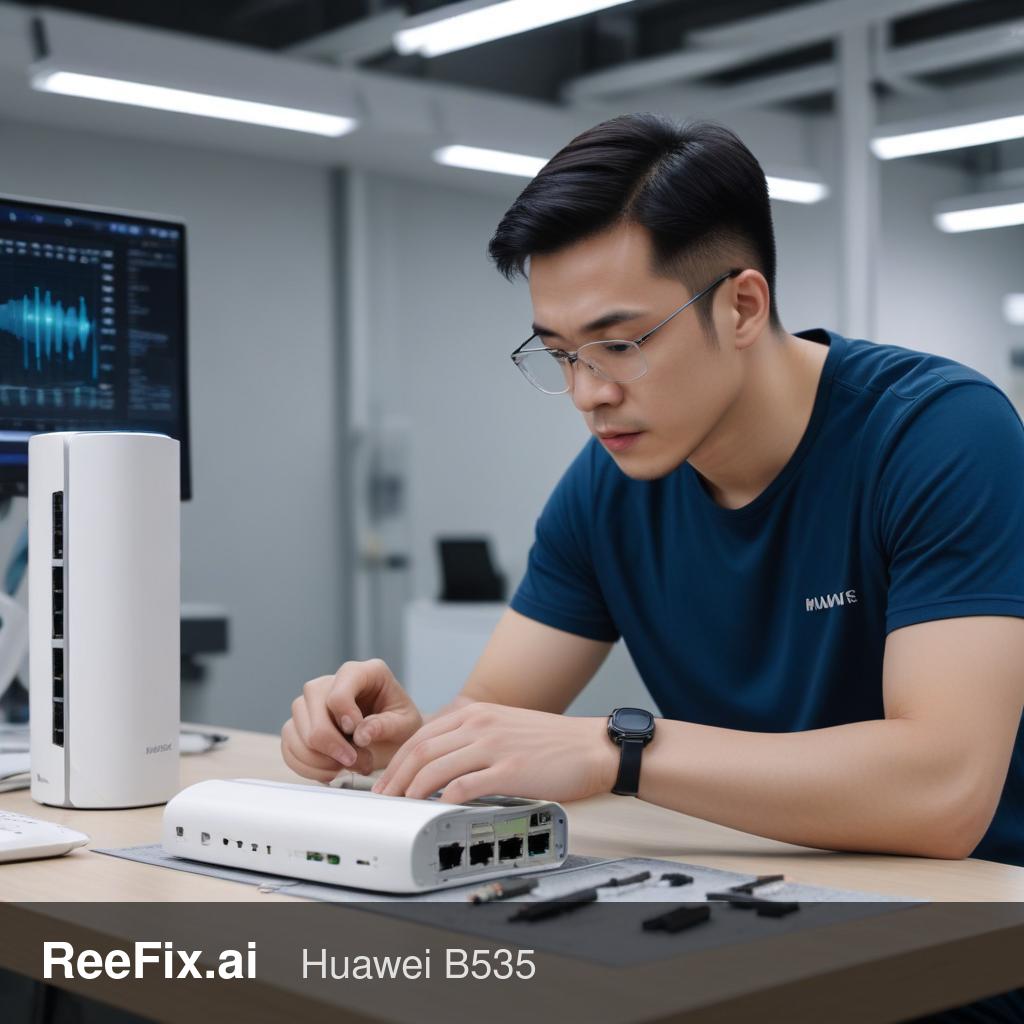
⚠️ SAFETY WARNING. This device is powered by low voltage (12V) via an external power supply connected to the 230V mains. Before any inspection, cleaning, or disassembly, always unplug the power supply from the wall socket to eliminate any electrical risk. If physical intervention proves complex, it is recommended to rely on a qualified technician. ReeFix provides this diagnosis EXCLUSIVELY for educational and informational purposes.
CHECK 1
Problem: The Huawei B535 router shows a solid red network status light (Network LED), or the WebUI management interface (192.168.8.1) or the Huawei AI Life app display the messages "No Signal", "PIN code required", or "SIM locked". Focus: SIM Card Configuration.
Quick steps:
- Eject the SIM: Remove the SIM from your Huawei B535.
- Test on smartphone: Insert the SIM into a common smartphone.
- If the smartphone asks for a PIN, the SIM has an active code. Enter it, go to the SIM security settings, and completely disable the PIN request.
- If the smartphone does not detect the SIM or it doesn't work, the SIM might be defective or expired. Try with a different, known-working SIM.
- Reinsert the SIM: After verifying the SIM (and disabling the PIN if necessary), reinsert it correctly into your Huawei B535.
- Check the WebUI: Access the router's web interface (usually
192.168.8.1). Verify if the error message has disappeared and the signal is present.
Probability: This is the most common cause and has a 50% resolution probability. It is a typical user error not to have deactivated the PIN or to use an unsuitable SIM or one with an inactive tariff plan. Immediate decision: If resolved, you have repaired it yourself at no cost.
CHECK 2
Problem: The SIM is verified and without a PIN, but the network light remains red or the signal continuously drops. Focus: Power supply stability.
Key signals: The router restarts unexpectedly, loses connection during intense use (e.g., streaming), or the SIM error appears a few seconds after power-on. These are indicators of a degraded power supply, which does not provide a stable current, causing electrical "ripple" that confuses the internal modem.
Quick steps:
- Power supply replacement: Obtain a compatible 12V Huawei B535 Power Supply with at least 2A output current.
- Test with new power supply: Connect the router with the new power supply.
- Monitor behavior: Turn on the device and check if the signal is acquired stably and the SIM error disappears.
Probability: This cause has a 20% probability. It is a common problem in electronic devices that are a few years old. Cost: Low, only for the purchase of a new power supply (e.g., 10-25 euros). Immediate decision: If resolved, you have repaired it yourself at minimal cost.
CHECK 3
Problem: The SIM is correct and the power supply is stable, but the "No Signal" / "SIM locked" error persists with a solid red LED. Focus: Physical damage to the SIM slot.
Key signals: The error is persistent with any valid SIM. You have previously used SIM adapters (from Nano to Micro-SIM) or have extracted/inserted the SIM with force.
Checks (require attention or a technician):
- Visual inspection (with caution): With good light and, if possible, a magnifying glass, carefully observe the inside of the Huawei B535 SIM slot (Micro-SIM for the B535-232 model or Nano-SIM for the B535-333 model). Look for bent, crushed, broken, or misaligned gold pins. Be careful not to further damage the pins with metal objects.
Probability: This cause has an estimated probability of 30%, especially if you have used SIM adapters that are not perfectly flush. This often happens when the edges of the adapter get caught in the delicate pins during extraction, bending or breaking them. Replacement part cost: The SIM slot itself is inexpensive (€5-€15), but replacement requires a Hot Air Soldering Station, a Professional Digital Multimeter, and SMD microsoldering skills. The difficulty is high.
CONCLUSION
To decide in less than 60 seconds:
- If the problem is related to the SIM or PIN (50% Probability): You have resolved it yourself at no cost by following CHECK 1.
- If the problem is physical damage to the SIM slot (30% Probability):
- Repair it yourself? Highly discouraged due to complexity and necessary tools (microsoldering).
- Contact a technician? Yes, if the repair cost (part + labor, estimated 50-100 euros) is acceptable to you. The technician will also check for any IMEI blocks or firmware corruption (less likely, about 10%).
- Replace the device? Yes, if the repair cost exceeds the value of a new Huawei B535 or if you prefer the warranty of a new device.
- If the problem is a degraded power supply (20% Probability): You have resolved it yourself by purchasing a new compatible power supply (CHECK 2).
Operational decision: If the SIM is functional and without a PIN, and the power supply has been replaced unsuccessfully, then the problem is almost certainly hardware-related to the SIM slot. In this case, contact a qualified technician for a quote or consider replacing the device.
Why is my Huawei B535 showing no signal or a red light?
A red light or "No Signal" on your Huawei B535 often indicates a SIM card issue (PIN, faulty, or expired) or a network problem. Start by checking your SIM configuration.
How do I diagnose a "No Signal" issue on my Huawei B535?
First, check the SIM card by testing it in a smartphone and disabling any PIN. Then, reinsert it into the router and check the WebUI for signal status. If the SIM is fine, consider network or hardware
When should I call a technician for a Huawei B535 no signal problem?
If basic SIM card checks don't resolve the "No Signal" issue, or if you suspect internal hardware damage, it's best to consult a qualified technician for further diagnosis and repair.
This diagnostic report is generated using an artificial intelligence system (RAG) based on the aggregation of online data. The moderation by Luca Chia (Electronic Expert) validates its logical coherence and technical plausibility regarding the described symptoms, confirming the correctness of the AI's diagnostic reasoning, without however constituting an absolute guarantee of resolution for individual cases.