
Huawei MatePad Pro 12.6 Charging Problems: Diagnosis and Repair
Generated by ReeFix AI · Sources: technical and specialist documentation (see Sources section)
Revision of 18/06/2026
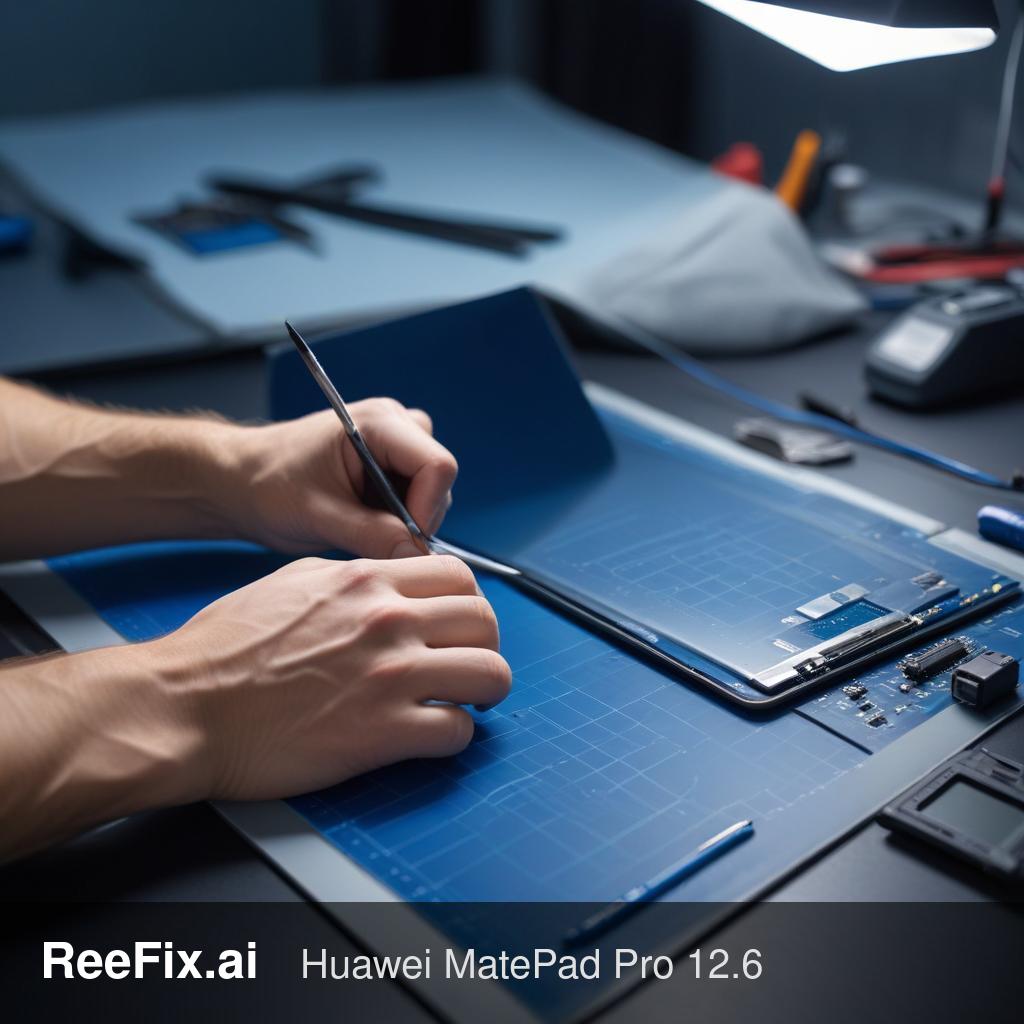
⚠️ SAFETY WARNING / FIRE HAZARD. This device contains lithium batteries. Improper puncturing or bending during disassembly can cause explosions or flames. The intervention requires precision and specialized technician assistance is recommended. ReeFix provides this diagnosis EXCLUSIVELY for educational and informational purposes.
TECHNICAL CHECKLIST
Quick Checks:
- External visual inspection: Check the back of the tablet and the screen for bulges or deformations. A bulge is an unequivocal sign of a swollen battery.
- USB-C port inspection: Use a magnifying glass and a light to check for bent pins, dirt, or corrosion inside the port.
- Cable/charger test: Try with a different, certified USB-C cable and charger, possibly on another device, to rule out faulty accessories.
Key Signs/Indicators:
- Visible bulge: The back or screen of the tablet lifts/deforms. Critical sign of a swollen battery, indicating internal gas production.
- Excessive heating: The device becomes very hot during charging or use, even without a bulge.
- Intermittent or absent charging: The tablet does not charge at all or only charges if the cable is held in a specific position.
- Chemical smell: Rare, but an unusual smell coming from the device is a serious sign of a damaged battery.
Causes & Probability:
- Swollen internal battery: High probability (70-85%). This is the most critical and dangerous cause. Chemical degradation of lithium cells produces gas, swelling the battery. This is a serious safety defect, often due to intense charge/discharge cycles, device age, or manufacturing defects. Unstable charging (see point 2) can accelerate its degradation.
- This often happens when the tablet has been used intensively for years, exposed to high temperatures, or to prolonged and suboptimal charge/discharge cycles.
- Damaged or dirty USB-C port: High probability (60-75%). Bent pins, accumulated dirt, oxidation from moisture, or physical damage can prevent a stable connection. A faulty port can cause irregular charging, stressing the battery and potentially contributing to its swelling.
- Typical user error: inserting the cable forcefully or incorrectly, or the accumulation of lint and debris inside the port over time.
- Charging circuit damage (PMIC): Medium probability (20-35%). The Power Management IC chip on the motherboard could be damaged due to voltage surges, short circuits, or prolonged stress from a faulty port. This prevents proper voltage and current regulation for the battery.
- Dependency: Often, a damaged PMIC is a consequence of a faulty USB-C port that provided unstable power or a short circuit on the power line.
Counter-examples:
- If the tablet charges correctly with another cable/charger and there are no signs of swelling, the problem is not the port or the battery, but the charging accessories.
- If the tablet turns on but the battery drains quickly without signs of swelling and the port works, it could be a worn battery (not swollen) or excessive software/internal component consumption.
Estimated Costs (parts only):
- Huawei MatePad Pro 12.6 Battery: 40-70 euros. Huawei MatePad Pro 12.6 Battery
- Huawei MatePad Pro 12.6 USB-C Port (flex module): 20-40 euros. Huawei MatePad Pro 12.6 USB-C Charging Port
- Specialized technician labor: 80-150 euros (for both components, given the complexity and risk of battery management).
Tools needed (for technician):
- Precision screwdriver set, plastic opening tools (spudger), heat gun, precision tweezers, isopropyl alcohol (90%+), specific tablet adhesive for reassembly.
Safety notes:
- NEVER attempt to remove a swollen battery without adequate experience and precautions. The risk of fire/explosion is extremely high if the battery is punctured or damaged.
- Always disconnect power and the battery (if safely accessible) before any physical intervention on the device.
Output for technician: Huawei MatePad Pro 12.6 tablet diagnosed with a visibly swollen battery and non-functional USB-C port. Priority: securing and removing the battery. Subsequently, inspection and replacement of the USB-C port module. Evaluate PMIC integrity if the problem persists after component replacement.
INSPECTION RESULT
If the tablet shows a visible bulge (swollen battery) AND/OR does not charge after trying different cables/chargers:
- DIY Repair: NOT RECOMMENDED. The inherent risk of a swollen battery is too high for non-professional intervention.
- Consult a technician: RECOMMENDED CHOICE. A professional can safely replace the battery and repair the USB-C port. The estimated total cost (parts + labor) will be significant, between 140 and 260 euros.
- Replace the device: EVALUATE IF THE REPAIR COST EXCEEDS THE RESIDUAL VALUE of the tablet. If the device is old or the repair cost approaches that of a new entry-level tablet, replacement might be the most cost-effective long-term option.
Why is my Huawei MatePad Pro 12.6 not charging?
Often due to a swollen battery (check for bulges), damaged USB-C port, or faulty cable/charger. A swollen battery is a high-probability cause.
How do I know if my tablet battery is swollen?
Look for visible bulges on the back or screen, excessive heating, or a chemical smell. A bulge is a critical sign of internal gas production and a fire hazard.
When should I get professional help for tablet charging problems?
Seek professional help immediately if you see bulges, feel excessive heat, or smell chemicals. These are signs of a potentially dangerous swollen battery.
This diagnostic report is generated using an artificial intelligence system (RAG) based on the aggregation of online data. The moderation by Luca Chia (Electronic Expert) validates its logical coherence and technical plausibility regarding the described symptoms, confirming the correctness of the AI's diagnostic reasoning, without however constituting an absolute guarantee of resolution for individual cases.