
Nikon Z30 Overheating in Live Streaming: Diagnosis and Solutions
Generated by ReeFix AI · Sources: technical and specialist documentation (see Sources section)
Revision of 06/07/2026
⚠️ SAFETY WARNING / FIRE HAZARD. This device contains lithium batteries. Improper puncturing or bending during disassembly can cause explosions or flames. The intervention requires precision and the assistance of a specialized technician is recommended. ReeFix provides this diagnosis EXCLUSIVELY for educational and informational purposes.
IF the Nikon Z30 overheats and shuts down quickly (20-40 minutes) when powered via USB-C with the battery inserted:
Probability: 50% (Thermal accumulation from internal power)
Key signals: The internal battery becomes noticeably hot to the touch, and the problem mainly manifests during combined use of battery and USB-C power (Power Delivery). This often happens when the power management integrated circuit (PMIC) has to simultaneously power the camera and recharge the battery, generating a significant double thermal load.
Quick checks:
- Completely remove the internal EN-EL25 battery.
If, after inserting the EP-5G DC coupler, the Nikon Z30 does not turn on or displays a battery-related error message, ensure that the connected USB-C power adapter supports the 9V Power Delivery standard. Many compatibility issues with dummy batteries arise from insufficient power or outdated decoding chips.
- Power the camera exclusively via an EP-5G DC Coupler for Nikon Z30 connected to an external AC adapter.
- Set "Auto temperature shutdown" to "High" in the camera's setup menu (Setup Menu > Auto temperature shutdown).
IF overheating is more evident when using Nikon Webcam Utility via USB compared to HDMI output or recording to SD:
Probability: 30% (High computational load for direct USB streaming)
Key signals: The problem lessens or disappears if you record video to an internal SD card or use the clean HDMI output. When the camera transmits via USB, the EXPEED 6 processor must compress and package the video stream in UVC format, requiring a greater workload and generating more heat than sending a raw HDMI signal.
Quick checks:
- Connect the Nikon Z30 to an external HDMI USB video capture card using a high-speed Micro-HDMI to HDMI cable.
- Configure the streaming software to capture the signal from the external card, bypassing Nikon Webcam Utility.
- Ensure the LCD screen is fully open and facing outwards.
IF the back of the camera is extremely hot and shutdown is faster with the LCD screen folded:
Probability: 15% (Obstructed passive dissipation)
Key signals: The LCD screen, when closed against the camera body, blocks one of the main heat dissipation surfaces. Keeping the screen open improves thermal exchange with the environment.
Quick checks:
- During streaming, ensure the LCD display is always fully open (oriented 180 degrees) to expose the back of the camera to the air.
- Consider using an external camera cooling fan applied to the back of the camera.
IF the problem persists after all external checks and mitigations:
Probability: 5% (Internal hardware or firmware issues)
Key signals: Overheating persists even with external power, HDMI streaming, and an open screen. This suggests a deeper problem that requires specialized analysis.
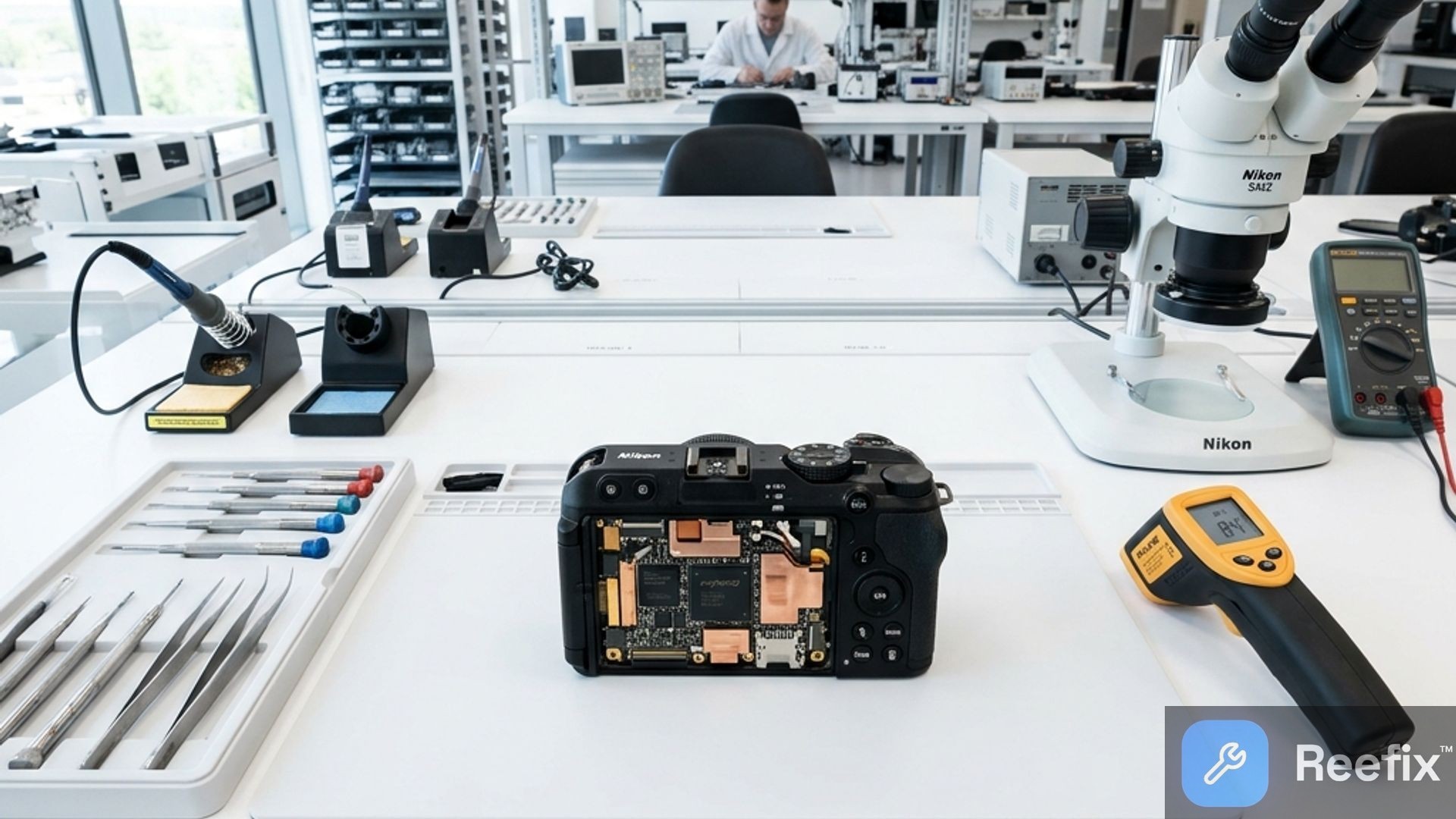
Output for technician: A technician will need to verify the calibration of the NTC thermistors (temperature sensors) on the motherboard, inspect the integrity and positioning of the internal thermal pads between the chips and the chassis, and analyze the USB-C power circuit (PMIC) to rule out inefficiencies. It will also be appropriate to check and, if necessary, update the system firmware to the latest available version, which often includes optimizations for thermal management. Safety note: inspecting these components requires professional equipment and certified skills; do not attempt DIY repairs.
THEN:
To mitigate Nikon Z30 overheating, the first action is to optimize power and data flow. The typical user error is underestimating the thermal load generated by simultaneous battery charging or internal video processing. Thermal throttling (performance reduction to prevent overheating damage) is a protection, but it indicates that thermal limits have been reached.
Estimated costs (for mitigation accessories): Low-Medium (20-100€ for a single accessory).
Prevention tips: Avoid operating in high-temperature environments or under direct sunlight for prolonged periods.
CONCLUSION:
- If the problem is power-related (50%): Try to repair it yourself by purchasing an EP-5G DC Coupler for Nikon Z30 and removing the internal battery. This is the most probable and economical solution.
- If the problem is related to USB processing load (30%): Consider repairing it yourself by adopting an external HDMI USB video capture card with a high-speed Micro-HDMI to HDMI cable, reducing the load on the camera's CPU.
- If dissipation is obstructed (15%): Solve it yourself by simply keeping the LCD screen open and, if necessary, adding an external camera cooling fan.
- If none of the above solutions work (5%): Contact a specialized technician for an internal hardware diagnosis. Internal repair costs could be high, and depending on the quote, it might be more cost-effective to replace the device with a model more suitable for prolonged live streaming use.
Why does the Nikon Z30 overheat and shut down during live streaming with USB-C power?
It is due to the thermal accumulation of the circuit (PMIC) that powers the camera and recharges the battery simultaneously, causing it to overheat.
How can I check if my camera's overheating is related to the internal power supply?
Remove the EN-EL25 battery and use an EP-5G DC coupler with an external power supply. If the problem disappears, the cause is the power supply.
When is it advisable to contact a technician for camera overheating?
When external solutions fail. A technician will safely check the NTC temperature sensors, thermal pads, and motherboard.
This diagnostic report is generated using an artificial intelligence system (RAG) based on the aggregation of online data. No publication happens automatically: the rigorous multi-step moderation by Luca Chia (Electronic Expert) validates its logical coherence and technical plausibility regarding the described symptoms, confirming the correctness of the AI's diagnostic reasoning, without however constituting an absolute guarantee of resolution for individual cases.