
PlayStation 5: Liquid Metal Replacement Diagnosis
Validated by Luca Chia, Certified Electronic Technician
Revision of 10/06/2026
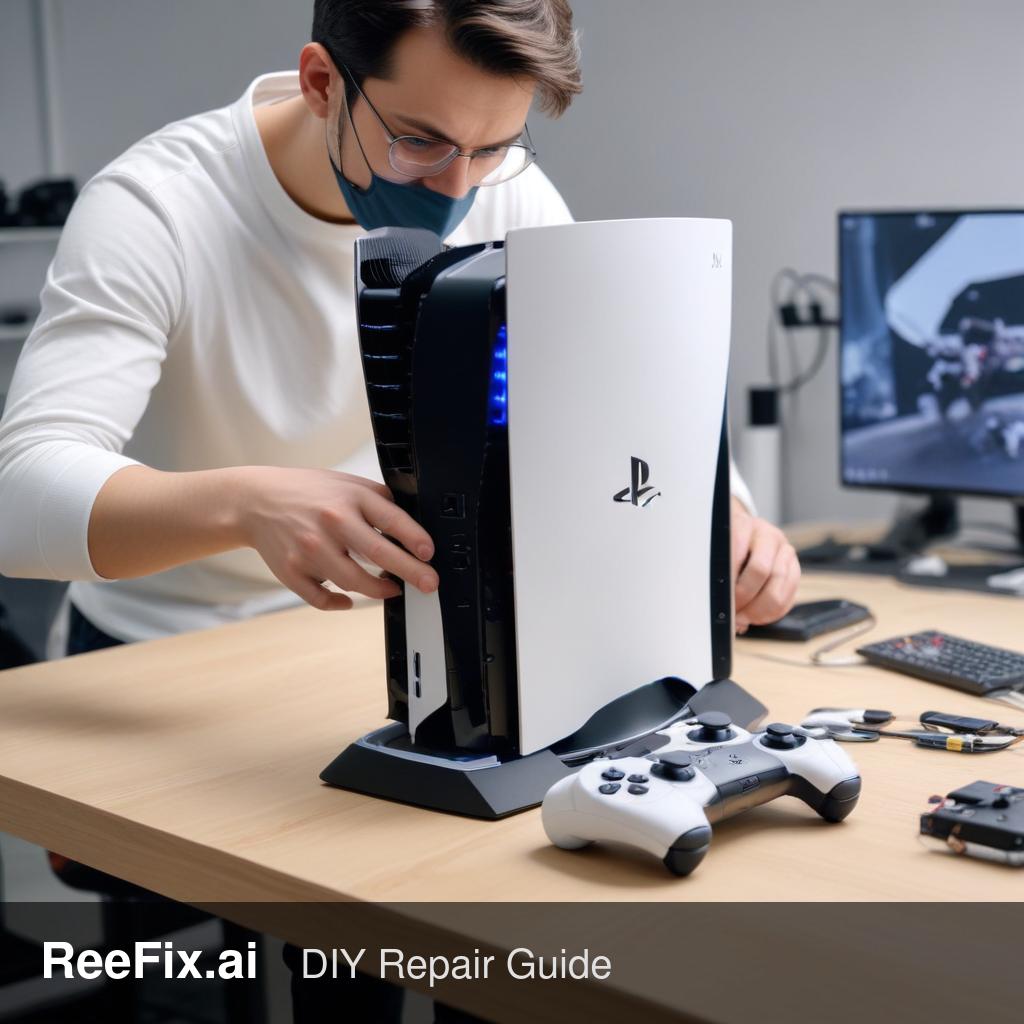
⚠️ SAFETY WARNING / SERIOUS RISK. This appliance operates with critically dangerous components (High Voltages, Temperatures, or Gases). Improvised self-repair of critical devices can be fatal or prohibited by law. Physical intervention requires qualified specialized technicians to issue compliant safety certificates. ReeFix provides this diagnosis EXCLUSIVELY for educational and informational purposes.
INITIAL REAL CASE
The customer reports that their PlayStation 5, after about 2 years of intense use, has started to overheat frequently. The fans run at high and constant speed even with less demanding games, and occasionally the console suddenly shuts down after prolonged gaming sessions. Performance seems to visibly drop (throttling). The gaming environment is clean, and the console has not suffered significant impacts.
IMMEDIATE DIAGNOSIS
Here are the most probable causes for the described symptoms, ordered by frequency:
- Degradation or suboptimal application of liquid metal (60%): The original liquid metal on the APU may have lost effectiveness or not have been applied uniformly at the factory. This reduces heat transfer, leading to noisy fans, throttling, and shutdowns.
- Excessive dust accumulation in the cooling system (25%): Dust and debris obstruct the heatsink fins and fans, preventing adequate heat dissipation. This is a common problem, especially with prolonged use in environments that are not perfectly clean.
- Cooling fan malfunction (10%): The fan might not be spinning correctly, be blocked, or be defective, compromising the airflow necessary for cooling.
QUICK TEST
To distinguish the causes and confirm the thermal problem:
- Listening and Thermal Sensation: Turn on the console and start a demanding game. Listen to the fan noise and touch the casing to feel for excessive heat, especially on the back. If the fans are immediately noisy and the heat is high, it indicates a dissipation problem.
- Quick External Inspection: With the console off and unplugged, remove the side covers (without tools) and visually inspect the fan and heatsink grilles for obvious dust accumulation. A superficial cleaning can sometimes temporarily improve the situation.
- Software Monitoring (if possible): If you have access to diagnostic tools (e.g., homebrew apps on modified consoles or via PC to monitor temperatures via USB if available), check the APU temperatures under load. Values consistently above 70-80°C indicate cooling inefficiency.
MOST PROBABLE DIAGNOSIS
Considering the symptoms of constantly high-speed fans, performance throttling, and sudden shutdowns, the most probable cause is the degradation or suboptimal application of the original liquid metal. Dust accumulation is a contributing factor, but the nature of the PS5's liquid metal makes its integrity crucial for thermal efficiency, and its failure directly leads to these critical problems that directly impact the APU.
COMMON MISTAKES
- Excessive amount of liquid metal: Drastically increases the risk of short circuits on the motherboard, given that liquid metal is electrically conductive.
- Imperfect APU/heatsink contact: If the heatsink is not reassembled with uniform pressure, air bubbles are created, reducing thermal efficiency and nullifying the replacement.
- Replacement with standard thermal paste: The PS5 is designed for the superior thermal properties of liquid metal. Using normal thermal paste will cause immediate and severe overheating.
- Damage to the protective ring: The foam/rubber ring around the APU is crucial for containing the liquid metal. Damage to it or incorrect repositioning can lead to leaks.
REAL CASES
- Case 1: "PS5 shuts down only with heavy games": A user plays indie titles without problems, but with an AAA game, the console shuts down after 15-20 minutes. This indicates a cooling system that is "pushing" its limits, suggesting degraded liquid metal that cannot handle heat peaks.
- Case 2: "Noisy fan from startup": The console's fan immediately starts at high speed and remains so even in the dashboard, without loads. After an inspection, a dense layer of dust is discovered between the heatsink fins and on the fan itself. In this case, a thorough cleaning is the first step, but often the liquid metal is also compromised.
- Case 3: "Strange fan noise and FPS drop": A player notices a metallic or rubbing noise coming from the fan, accompanied by obvious frame rate drops. Inspection reveals that the fan is partially blocked by a small residue or that its bearings are worn. Even if the fan is the primary problem, the APU has still worked at higher temperatures, making a liquid metal check advisable.
WHEN IT'S NOT THIS
If the console does not turn on at all, presents constant graphical artifacts (not related to overheating), or shuts down without the fans reaching high speeds, the problem might not be the liquid metal or cooling. It could be a power supply failure, VRAM memory, a non-APU motherboard component, or a serious software issue. The diagnosis should then focus on PS5 power supply problems or PS5 motherboard failures.
This diagnostic report is generated using an artificial intelligence system (RAG) based on the aggregation of online data. The moderation by Luca Chia (Electronic Expert) validates its logical coherence and technical plausibility regarding the described symptoms, confirming the correctness of the AI's diagnostic reasoning, without however constituting an absolute guarantee of resolution for individual cases.