The listed partner professionals are independent entities. ReeFix acts exclusively as a referral platform and declines any liability for the services they provide.
🚀 Launched April 1, 2026
Chia Luca | P.IVA IT01433480991 | Sede Legale: Via Filippo Casoni 4a r, Genova (GE) Italia | Reefix™ è un marchio depositato di Luca Chia.
ⓘThe spare parts links below are Amazon or eBay affiliate links. If you purchase through these links, we earn a small commission at no extra cost to you.
⚠️ WARNING / FIRE HAZARD. This device contains lithium batteries. Improper puncturing or bending during disassembly can cause explosions or flames. The intervention requires precision and specialized technician assistance is recommended. ReeFix provides this diagnosis EXCLUSIVELY for educational and informational purposes.
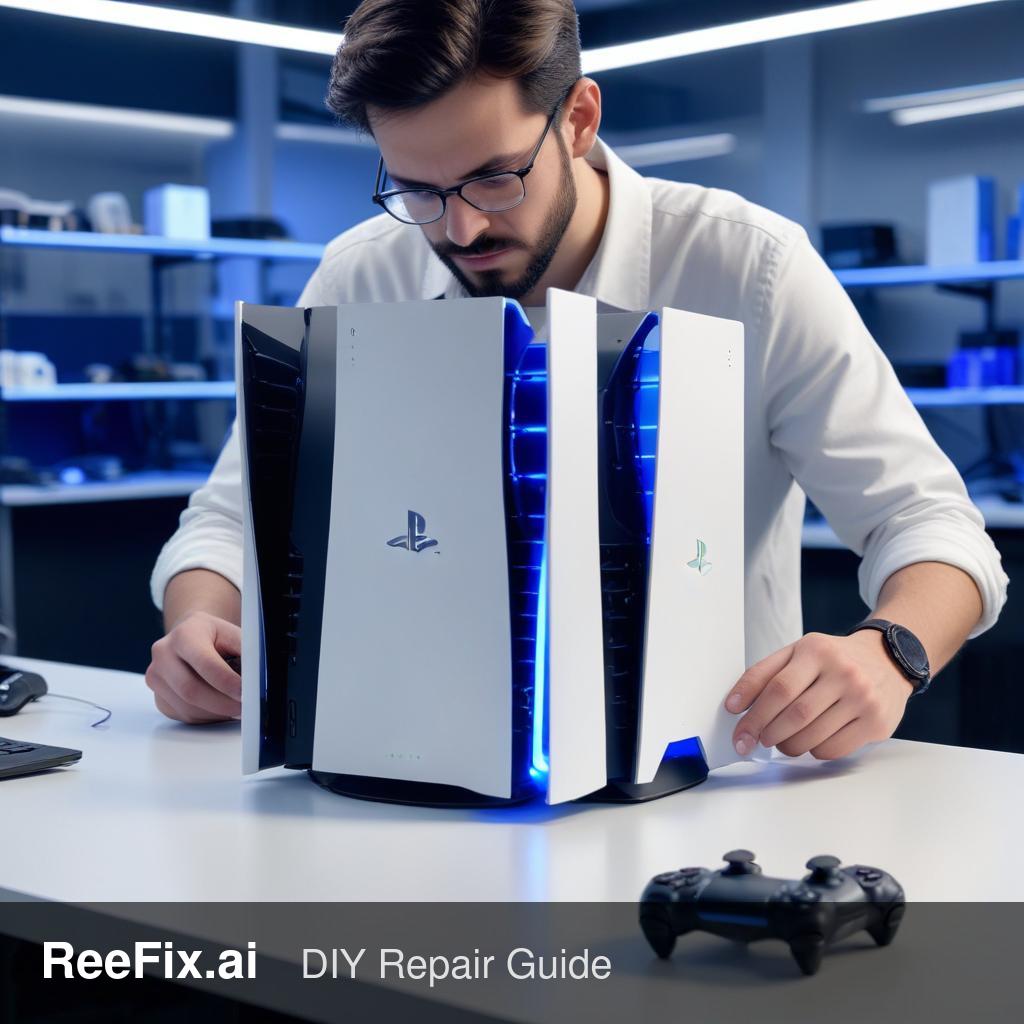
IF the PS5 CFI-1116A shows a flashing blue light and NO video output
Key signals/indicators: The flashing blue light without any video signal (the so-called "Blue Light of Death" or BLOD for PS5) indicates a critical failure during the Power-On Self-Test (POST) sequence. The console attempts to start but a hardware or firmware error prevents it from completing the process, trapping it in a reboot loop.
Quick checks:
HDMI port visual inspection: Disconnect the console from power. Carefully check the HDMI port on the back of the PS5. Look for bent, broken pins, or a connector that appears loose or damaged. Try to gently move the HDMI cable; if the port moves, it's a sign of damage.
Test with different cable and TV: Try another HDMI cable and a different TV or monitor, if available. This rules out problems external to the console.
Listen for internal noises: Turn on the console and listen. Do you hear the fan spinning? Are there unusual noises (clicks, loud hums)? Or is it completely silent apart from the light?
Most probable cause: Damage to the PS5 HDMI Port. This is one of the most frequent causes (60-75% probability) of BLOD with no video.
Why: The PS5 HDMI port is a delicate surface-mount component. Physical stress (e.g., forced cable, drop) can bend or break internal pins or create micro-fractures in the solder joints on the motherboard, interrupting high-speed video signals.
Counter-examples: If the port appears flawless and there is no movement, the cause is elsewhere.
Common errors: Forcing the HDMI cable can cause irreparable damage to the port
You are reading a premium analysis that we chose to make accessible to everyone. If you have another problem to identify, create your account: the first technical verification is on us!
⭐ Verified ReeFix Partners
This diagnostic report is generated using an artificial intelligence system (RAG) based on the aggregation of online data. The moderation by Luca Chia (Electronic Expert) validates its logical coherence and technical plausibility regarding the described symptoms, confirming the correctness of the AI's diagnostic reasoning, without however constituting an absolute guarantee of resolution for individual cases.