
Roomba 980 Mapping Problems: Dirty Cliff Sensors Diagnosis
Validated by Luca Chia, Certified Electronic Technician
Revision of 25/05/2026
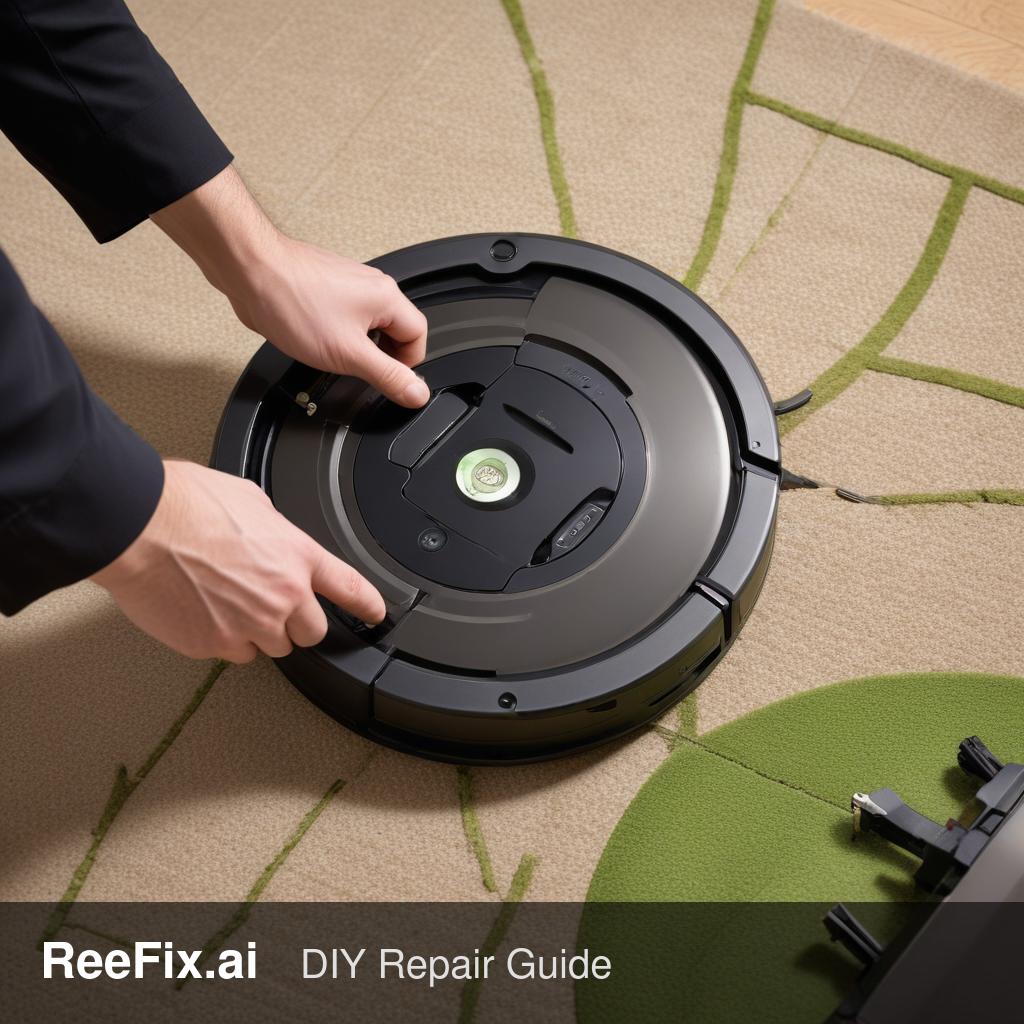
⚠️ WARNING / FIRE HAZARD. This device contains lithium batteries. Improper puncturing or bending during disassembly can cause explosions or flames. The intervention requires precision and specialized technician assistance is recommended. ReeFix provides this diagnosis EXCLUSIVELY for educational and informational purposes.
QUICK TEST
Your Roomba 980 reports "dirty cliff sensors" and moves erratically, losing its mapping. Before considering serious malfunctions, perform these quick checks:
- External Inspection and Cleaning (High Probability: 65-75%):
- Turn off the Roomba and flip it over.
- Thoroughly clean the four cliff sensors (small rectangular windows on the bottom edge) with a clean, dry cloth or a cotton swab lightly dampened with water. Make sure to remove dust, dirt, and lint.
- Why: These sensors use infrared to detect drops. Even a small layer of dirt can block the signal, making it "see" a non-existent cliff.
- Experience tip: Often, the problem is just dust accumulation after months of use, especially if the Roomba operates on dark carpets or in dusty environments.
- Dark Carpet Check (Medium Probability: 15%):
- Cliff sensors can interpret very dark carpets or surfaces as a drop-off, absorbing infrared light.
- Test the Roomba on a clear, unobstructed light-colored surface. If it works correctly there, the problem is the interaction with the carpet.
- Counter-example: If the error persists even on light-colored floors, the cause lies elsewhere.
- Camera Module Cleaning (Low Probability: 5-10%):
- Check the camera lens (located on top of the Roomba). Make sure it is not dirty or obstructed. The camera is crucial for iAdapt 2.0 mapping and navigation.
- Required tools: Microfiber lens cloth.
DECISION FORK
After performing the "QUICK TEST":
- If the Roomba maps correctly again and the error disappears: Great! The problem was superficial. Continue to clean the sensors regularly. No further action is needed.
- If the error persists after cleaning or the behavior is still erratic: The problem is deeper. The decision now is between:
- Repair it yourself (if experienced): Only consider this option if you are comfortable with disassembling electronics and have the appropriate tools. The most probable cause (50-60%) is a faulty Roomba 980 Cliff Sensor Module. Less probable (30-40%) is a problem with the Roomba 980 Navigation Module (Camera Assembly).
- Contact a technician: This is the safest and most recommended option, given the complexity of the device and the presence of lithium batteries. A technician will be able to precisely diagnose the faulty component (sensors, camera, wiring, or motherboard).
- Replace the device: If the estimated repair cost exceeds 50-60% of the value of a new Roomba, or if the device is very old and shows other signs of failure, replacement might be more cost-effective.
CONFIRMED DIAGNOSIS
If the quick tests haven't resolved the issue, the diagnosis shifts to an internal hardware failure.
Causes and Probabilities:
- Faulty Cliff Sensors (Probability 55%): Despite external cleaning, one or more sensors might be internally faulty, with the IR emitter or receiver damaged. This is the most common failure after simple dirt.
- Estimated costs: Replacement of the Roomba 980 Cliff Sensor Module (spare part: medium cost).
- Faulty Navigation Module/Camera (Probability 30%): The camera or the electronics of the navigation module (VSLAM) fail to create or maintain the map. This causes erratic movement and loss of orientation.
- Estimated costs: Replacement of the Roomba 980 Navigation Module (Camera Assembly) (spare part: high cost).
- Faulty Wiring or Connections (Probability 10%): The cables connecting the sensors to the motherboard might be damaged, pinched, or the connections loose.
- Estimated costs: Wiring repair (low/medium cost, mainly labor).
- Motherboard Problems (Probability 5%): A component on the motherboard that processes sensor or navigation data might be faulty. This is the least frequent but most expensive cause.
- Estimated costs: Motherboard replacement (very high cost, often not cost-effective).
Output for Technician: The Roomba 980 shows a persistent "dirty cliff sensors" error and mapping loss with erratic cleaning patterns. After external cleaning and testing on light-colored surfaces, the problem persists. Hardware failure of the cliff sensors or the navigation module (VSLAM camera) is suspected. Verify sensor integrity, wiring, connections, and camera module functionality. Consider advanced diagnostics on the PCB for sensor input circuits.
Required Tools (for technician or advanced repair):
- Precision Screwdriver Set
- Anti-static Wrist Strap
- Compressed Air Can (for internal cleaning)
- Multimeter (for testing wiring continuity)
If the quick test fails and you are not an experienced technician -> contact a technician; if the cost exceeds 60% of a new one -> consider replacement.
A useful community tip suggests that resolving certain issues might incur no costs. An effective technical trick involves cleaning the sensors, an intervention that requires no expense and can solve the problem.
This diagnostic report is generated using an artificial intelligence system (RAG) based on the aggregation of online data. The moderation by Luca Chia (Electronic Expert) validates its logical coherence and technical plausibility regarding the described symptoms, confirming the correctness of the AI's diagnostic reasoning, without however constituting an absolute guarantee of resolution for individual cases.