
Samsung Galaxy S26 Ultra: Red Tint and OLED Display Defect
Validated by Luca Chia, Certified Electronic Technician
Revision of 06/08/2026
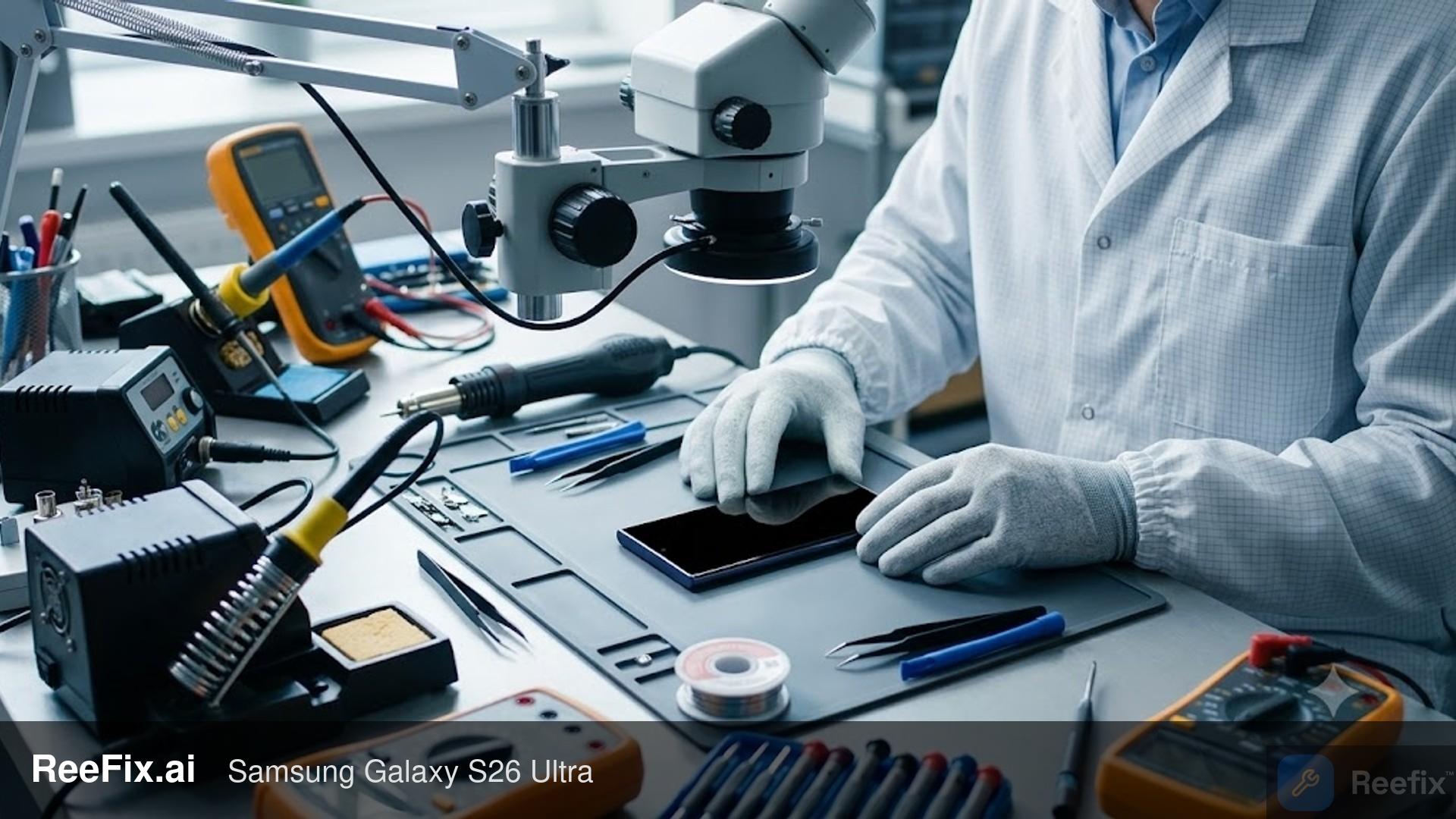
⚠️ SAFETY WARNING / FIRE RISK. This device contains lithium batteries. Improper puncturing or bending during disassembly can cause explosions or flames. The intervention requires precision and the assistance of a specialized technician is recommended. ReeFix provides this diagnosis EXCLUSIVELY for educational and informational purposes.
VERIFICATION 1
Objective: Evaluate the software nature of the calibration defect. Probability: High (approximately 80%) that the cause is a firmware bug.
Procedure:
- Software Update: Check for and install the latest operating system version available for your Samsung Galaxy S26 Ultra. Samsung has officially confirmed that the central red tint is related to a software calibration anomaly and is releasing dedicated corrective patches.
- Calibration at Service Center: If the OTA update is not yet available on the device, you can visit an authorized Samsung service center to receive a free and immediate software calibration, officially offered by the manufacturer even for out-of-warranty phones.
- Forced Restart: Perform a forced restart of the device to ensure all firmware changes are applied correctly.
Key indicators: The red tint typically concentrates in the central area of the screen (often with a regular geometric shape) and its intensity can vary with the set brightness level or the activation of the Privacy Display function. There are no signs of permanent burn-in or obvious physical damage to the display.
Experience signal: "It often happens when..." the problem manifests after about 2-3 months of use, particularly after exposure to intense light sources with the screen brightness set to maximum, a condition that temporarily blocks the color compensation algorithm.
Quick assessment: If the red tint disappears after calibration or update, the problem was software-related and has been successfully resolved.
VERIFICATION 2
Objective: Evaluate the influence of thermal stress on the display. Probability: Medium (approximately 12%) that thermal stress is an aggravating factor or contributing cause.
Procedure:
- Hot Monitoring: Use the device intensively for about 15-20 minutes (e.g., gaming, GPS navigation, video calls) or during a fast wireless charging session. Observe carefully if the red tint becomes more evident or intense as the phone heats up.
- Cold Monitoring: Let the device cool down for a similar period (e.g., 15-20 minutes with the screen off) and re-observe the tint.
Key indicators: The red tint becomes significantly more visible or pronounced when the device is hot and tends to partially fade when it cools down. This suggests that the heat generated by internal components such as the System-on-Chip (SoC) or the wireless charging coil temporarily affects the luminous efficiency of the OLED subpixels, and the Display Driver IC (DDIC) compensation algorithm does not correctly manage this thermal drift.
Common mistake: Ignoring the correlation between intensive use/charging and the intensity of the defect, attributing the problem exclusively to a permanent hardware defect.
Quick assessment: If the tint is clearly correlated with temperature, a software update or official calibration might still mitigate the problem by better recalibrating the thermal response, but it could also indicate a greater panel sensitivity or inefficient dissipation.
VERIFICATION 3
Objective: Identify potential structural hardware defects of the display. Probability: Low (approximately 6%) for manufacturing defects or delamination of the Privacy Display filter.
Procedure:
- Color Diagnostic Test: Access the hardware diagnostic menu by dialing
*#0*#on the phone keypad (if enabled) or using the Samsung Members app. Select the full-screen red, green, and blue screens and observe the panel's uniformity. A hardware defect may appear as an area with non-uniform or distorted color, not just a reddish tint. - Angular Visual Inspection: Observe the screen from extreme angles (very lateral) and under different lighting conditions. Look for chromatic aberrations, image distortions, or areas where the Privacy Display technology seems to not function correctly or show physical irregularities.
Key indicators: Presence of permanent distortions or chromatic aberrations that are not resolvable through software updates and that persist regardless of temperature. A manufacturing defect or micro-delamination of the Privacy Display filter can cause anomalous light propagation.
Necessary tools (for a technician): A qualified technician might use a laboratory microscope or polarized lenses to detect micro-detachments between the OLED layer and the filter.
Safety note: Any in-depth physical inspection of the panel requires professional equipment and certified skills. Do not attempt DIY disassembly for this verification.
Quick assessment: If the tint persists after software updates and official calibration, is not temperature-related, and structural visual anomalies are noted, the probability of a hardware defect in the panel increases.
CONCLUSION
The most probable diagnosis (80%) is a software calibration error of the Display Driver IC, officially recognized by Samsung. The first action is always to update the operating system or request free calibration at an authorized service center. If the red tint persists, evaluate the correlation with heat (12%): anomalous display behavior at high temperatures suggests a hardware sensitivity that the software does not adequately compensate for. If none of the previous verifications resolve the problem and unresolvable software distortions or chromatic aberrations are noted, a manufacturing defect or delamination of the panel is probable (6%).
Operational decision: If the software update or official calibration resolves -> No further action. If the update does not resolve but the problem is sensitive to heat -> Consult a technician for an in-depth evaluation of the panel and thermal efficiency; the cost of any intervention (e.g., display replacement) is high (several hundred euros). If the update does not resolve and a structural hardware defect is suspected -> Consult a technician for the replacement of the original Samsung Galaxy S26 Ultra OLED Display, a costly (high-end) and complex operation that also requires a professional iFixit opening tool kit, Samsung Galaxy S26 Ultra rear waterproof adhesive, and an adjustable heating plate for smartphone repair.
Why does the display of my Samsung Galaxy S26 Ultra have a red tint?
It is due to a software calibration anomaly confirmed by Samsung, resolvable with an update or free calibration at a service center.
How can I tell if the red tint on the display is a software or hardware issue?
If the tint varies with brightness and there is no physical damage, it is a software issue. Otherwise, it could be a rare hardware defect.
How much does it cost to repair a red tint on the display of the Samsung Galaxy S26 Ultra?
Software calibration is free at Samsung service centers. If the OLED display needs to be replaced due to a hardware defect, the cost is very high.
This diagnostic report is generated using an artificial intelligence system (RAG) based on the aggregation of online data. The moderation by Luca Chia (Electronic Expert) validates its logical coherence and technical plausibility regarding the described symptoms, confirming the correctness of the AI's diagnostic reasoning, without however constituting an absolute guarantee of resolution for individual cases.