
Shure Aonic 50 Gen 2 ANC Not Cancelling Noise - Diagnosis
Generated by ReeFix AI · Sources: technical and specialist documentation (see Sources section)
Revision of 20/06/2026
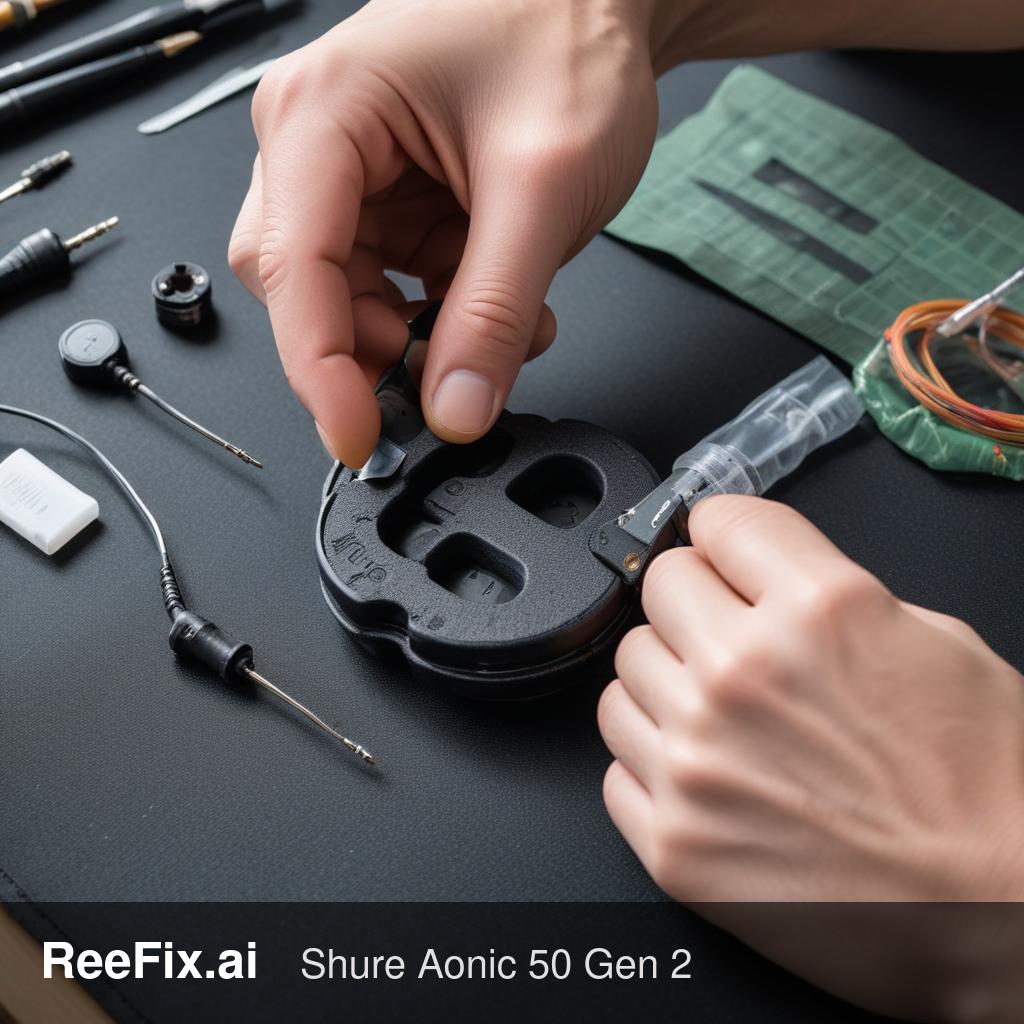
⚠️ SAFETY WARNING / FIRE HAZARD. This device contains lithium batteries. Improper puncturing or bending during disassembly can cause explosions or flames. The intervention requires precision and assistance from a specialized technician is recommended. ReeFix provides this diagnosis EXCLUSIVELY for educational and informational purposes.
CHECK 1
Suspected fault: Broken or fatigued internal ribbon cable in the headband/hinge. Probability: 45%. This is the most frequent cause for problems involving functionalities distributed between the two earcups, such as ANC and microphone, while main audio works. Key signs: The problem appears or worsens when the earcups are rotated or folded. It might have started with intermittency. Why it happens: Shure Aonic 50 Gen 2 have rotating hinges for folding. Continuous mechanical stress at these points can cause micro-fractures in the delicate copper traces of the flexible cables connecting the logic boards between the earcups. If the cable carrying microphone signals or common power breaks, ANC and microphone stop working. Quick checks (DIY):
- With the headphones on and connected, try slowly rotating the earcups and gently flexing the headband. Pay attention to any change in ANC or microphone behavior (if you have a way to test it in real-time, e.g., recording your voice or monitoring ANC with an app).
- Listen for any creaking or excessive "play" in the hinges that wasn't there before. Diagnosis tools (for technician): For an accurate diagnosis, it is necessary to disassemble the earcups and check cable continuity with a digital multimeter, using a set of precision screwdrivers and plastic prying tools. Costs: DIY repair is very complex and not recommended without specific experience. The cost for a technician to disassemble, identify, and replace the cable (if available as a spare part) can be high, often between 80 and 150 euros, making device replacement an alternative to consider.
CHECK 2
Suspected fault: Liquid ingress or sweat corrosion on MEMS microphone PCBs. Probability: 30%. Microphones are exposed to the environment, and prolonged use can cause infiltration. Key signs: Presence of greenish (oxidation) or whitish (salt) residues visible around the small external microphone grilles or inside the earcups. Unusual odor or feeling of dampness. Why it happens: MEMS microphones have small acoustic ports that can become clogged with dust, debris, or, more commonly, be compromised by moisture and sweat. This can limit diaphragm movement or cause localized short circuits on the small microphone boards, interrupting their operation. Quick checks (DIY):
- Carefully inspect the small grilles or holes on the outer surface of the earcups, where the ANC microphones are located. Look for signs of dirt, debris, or discoloration.
- Remove the ear pads (if easily removable) and check the inside of the earcup for signs of moisture or corrosion. Cleaning tools (DIY with caution): If you only see superficial dirt, you can try gentle cleaning with a cotton swab lightly dampened with isopropyl alcohol (99%). Costs: Superficial cleaning is free or minimal. If corrosion is deep or has damaged the microphones, a technician might need to replace the replacement MEMS microphone or even the entire microphone board, with costs ranging from 60 to 120 euros.
CHECK 3
Suspected fault: Firmware/DSP issues or common microphone power failure on the main board. Probability: Approximately 25%. These are more complex faults and less accessible to the user. Key signs: None of the previous problems (cable, corrosion) are visible, and the problem occurred suddenly without obvious external causes. Why it happens: An interruption in power supply (e.g., a faulty LDO/PMIC voltage regulator) or a problem in the digital communication bus (I2S/PDM) common to all microphones, or an unrecoverable software error in the DSP processor, can cause simultaneous failure of ANC and call microphone. Quick checks (DIY):
- Factory Reset: Attempt a full factory reset of the headphones by following Shure instructions (usually by pressing specific buttons for several seconds). This can resolve temporary software issues.
- Firmware Update: Ensure your headphone firmware is updated via the ShurePlus PLAY app. Corrupted or outdated firmware can cause malfunctions.
Output for technician: If the previous checks do not resolve the issue, a technician will be needed. They will need to:
- Check power supply voltages (MIC_BIAS, typically 1.8V-2.8V) on the main PCB test points.
- Analyze PDM/I2S signals (clock and data) with an oscilloscope to understand if the DSP is receiving data from the microphones.
- Inspect the integrity of ZIF connectors and main chip solders (audio codec or SoC) with a fine-tip soldering station if necessary. When diagnosis can fail (for user): Without the equipment and skills for electronic measurements, it is impossible to diagnose these complex faults independently.
CONCLUSION
To decide in 60 seconds:
- If you experience intermittency when rotating the earcups or after folding the headphones (Check 1): A faulty headband cable is very likely. Consult a technician for a diagnosis and quote, but consider that repair might be uneconomical (cost > 80-150€) compared to buying a new device.
- If you notice signs of dirt, moisture, or corrosion (Check 2): Try gentle cleaning with isopropyl alcohol. If the problem persists, consult a technician; replacing microphones or PCBs is complex and costly (60-120€), you might need to replace the device.
- If the first two checks are negative and the reset/firmware update (Check 3) does not resolve the issue: The problem is likely complex hardware (power supply or DSP). Consult a technician for an in-depth diagnosis. In this case, the probability of a serious and costly fault to repair is high; seriously consider replacing the device.
Why is my Shure Aonic 50 Gen 2 ANC not working?
A common cause is a broken internal ribbon cable in the headband/hinge due to mechanical stress, affecting ANC and microphone functions.
How to diagnose Shure Aonic 50 Gen 2 ANC issues?
Check if the problem worsens when rotating earcups or flexing the headband. This suggests a faulty internal cable.
When should I seek professional help for Shure Aonic 50 Gen 2 ANC repair?
Due to lithium battery risks and precision required, professional assistance is recommended for internal cable issues.
This diagnostic report is generated using an artificial intelligence system (RAG) based on the aggregation of online data. The moderation by Luca Chia (Electronic Expert) validates its logical coherence and technical plausibility regarding the described symptoms, confirming the correctness of the AI's diagnostic reasoning, without however constituting an absolute guarantee of resolution for individual cases.