
Sony LinkBuds S Not Charging: Diagnosis and Solutions
Generated by ReeFix AI · Sources: technical and specialist documentation (see Sources section)
Revision of 20/06/2026
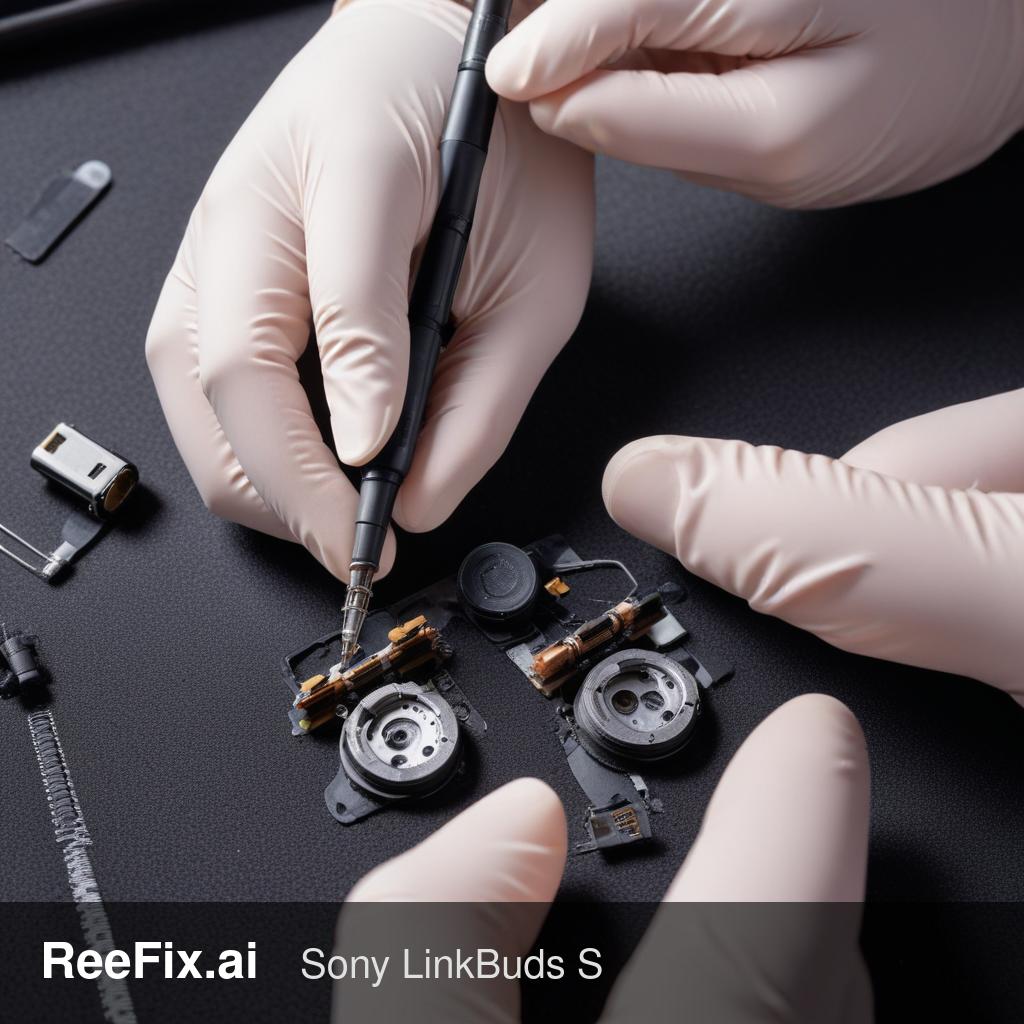
⚠️ SAFETY WARNING. This device contains micro-lithium batteries. Although cleaning and contact verification operations are low voltage, it is crucial to operate with precision to avoid short circuits, damage to printed circuit boards (PCBs), or electrostatic discharges (ESD) that can permanently compromise the device. Direct handling of batteries (e.g., for replacement) carries higher risks of damage or fire and requires intervention by a specialized technician. ReeFix provides this diagnosis EXCLUSIVELY for educational and informational purposes.
TECHNICAL ANALYSIS
Sony LinkBuds S earbuds that do not charge almost always indicate an electrical contact problem, given the miniaturization and exposure of the charging pads. The current and voltage involved are minimal, making the system vulnerable even to small obstructions.
Causes and Probabilities:
- Dirt and oxidation buildup on contacts (65-75%)
- Why: Sebum, sweat, dust, and earwax form an insulating film on the golden pads of the earbud or the pogo pins of the case. This barrier prevents current flow.
- Key signs: The earbud sometimes charges if pressed into position; the pads appear dull or with visible residue. Charging is intermittent or absent only on one earbud.
- Quick checks: Visually inspect the golden pads on the earbud and the pogo pins in the case. Try a gentle but thorough cleaning.
- Case pogo pins stuck or damaged (15-20%)
- Why: Pogo pins are spring-loaded; dirt or moisture can block their travel, preventing sufficient contact with the earbud. Less frequently, they can be bent or broken.
- Key signs: Pins do not protrude or retract correctly. The earbud is not detected by the case at all.
- Quick checks: Gently press each pogo pin with a finger (or non-conductive tool) to check its elastic travel.
- Earbud battery in deep discharge (5-10%)
- Why: If the earbud has been discharged for a long time due to contact problems (causes 1 or 2), its micro-battery can drop below the critical voltage threshold. The internal protection circuit (PMIC) blocks standard charging for safety.
- Key signs: The earbud has been "dead" for a long time and shows no signs of life even after resolving superficial contact problems. The case might show an error LED (e.g., rapid orange flashing).
- Counter-examples: If the earbud only recently discharged and has not been unused for weeks, it is less likely to be in deep discharge.
- Internal fault in the case or earbud (Low probability, <5%)
- Why: Rare, but an electronic component (e.g., PMIC in the earbud, boost circuit in the case) can fail.
- Key signs: All other causes have been ruled out, cleaning and pin verification do not resolve the issue. The case does not supply voltage to the pins (requires multimeter).
- Often happens when: The device has suffered impacts, been exposed to liquids, or has many years of intense use.
SECONDARY FACTORS
Required Tools:
- For cleaning:
- 99.9% Isopropyl Alcohol for Sony LinkBuds S contact cleaning (essential, leaves no residue).
- Precision cotton swabs for Sony LinkBuds S electronic cleaning (with fine tips).
- For advanced diagnosis (technician):
- precision digital multimeter (to measure voltage on pogo pins).
- For spare parts (technician):
Safety notes: Avoid sharp metal tools for cleaning; you could scratch the gold plating or short-circuit the contacts. Do not force the pogo pins. Lithium batteries are sensitive: handle with care to avoid damage or fire risks.
Technician output (Synthetic Handoff): "Sony LinkBuds S earbud not charging. Verify electrical continuity and mechanical integrity of the case's pogo pins and the earbud's pads. Perform cleaning with 99.9% IPA. If unresolved, measure internal battery voltage (Z52H) for deep discharge and output voltage from case pins for circuit faults."
WHAT TO DO
- CLEAN CONTACTS (High probability):
- Action: Thoroughly clean the golden pads on the earbud and the pogo pins in the case with 99.9% Isopropyl Alcohol for Sony LinkBuds S contact cleaning and Precision cotton swabs for Sony LinkBuds S electronic cleaning. Ensure the pogo pins move freely.
- Decision: REPAIR YOURSELF. Cost: Low (a few euros for materials).
- POGO PIN OR BATTERY PROBLEM (Medium probability):
- Action: If cleaning does not resolve the issue, or if a pogo pin is visibly stuck/damaged, or if the earbud has been "dead" for a long time.
- Decision: CONSULT A TECHNICIAN. Replacing pogo pins or the internal battery (the cost for a Z52H replacement battery for Sony LinkBuds S earbuds is low, but labor for micro-soldering is significant) requires specialized tools and expertise (estimated cost 30-80€).
- SERIOUS FAULT (Low probability):
- Action: If a technician confirms a fault in the charging circuit of the case or earbud, or if the repair (pogo pin/battery) is too complex/expensive.
- Decision: REPLACE THE DEVICE. Purchasing a new single earbud or a replacement charging case for Sony LinkBuds S (cost 50-100€ or more) is often more cost-effective than a complex internal repair.
Why are my Sony LinkBuds S not charging?
Most often, Sony LinkBuds S not charging is due to dirt or oxidation on the charging contacts, preventing proper electrical connection.
How can I tell if dirt is causing my earbuds not to charge?
Look for dull or visible residue on the earbud's golden pads or case's pogo pins. Charging might be intermittent or only affect one earbud.
When should I seek professional help for earbud charging issues?
If cleaning doesn't resolve the issue, or if you suspect internal damage or battery problems, consult a specialized technician to avoid further damage or safety risks.
This diagnostic report is generated using an artificial intelligence system (RAG) based on the aggregation of online data. The moderation by Luca Chia (Electronic Expert) validates its logical coherence and technical plausibility regarding the described symptoms, confirming the correctness of the AI's diagnostic reasoning, without however constituting an absolute guarantee of resolution for individual cases.