The listed partner professionals are independent entities. ReeFix acts exclusively as a referral platform and declines any liability for the services they provide.
🚀 Launched April 1, 2026
Chia Luca | P.IVA IT01433480991 | Sede Legale: Via Filippo Casoni 4a r, Genova (GE) Italia | Reefix™ è un marchio depositato di Luca Chia.
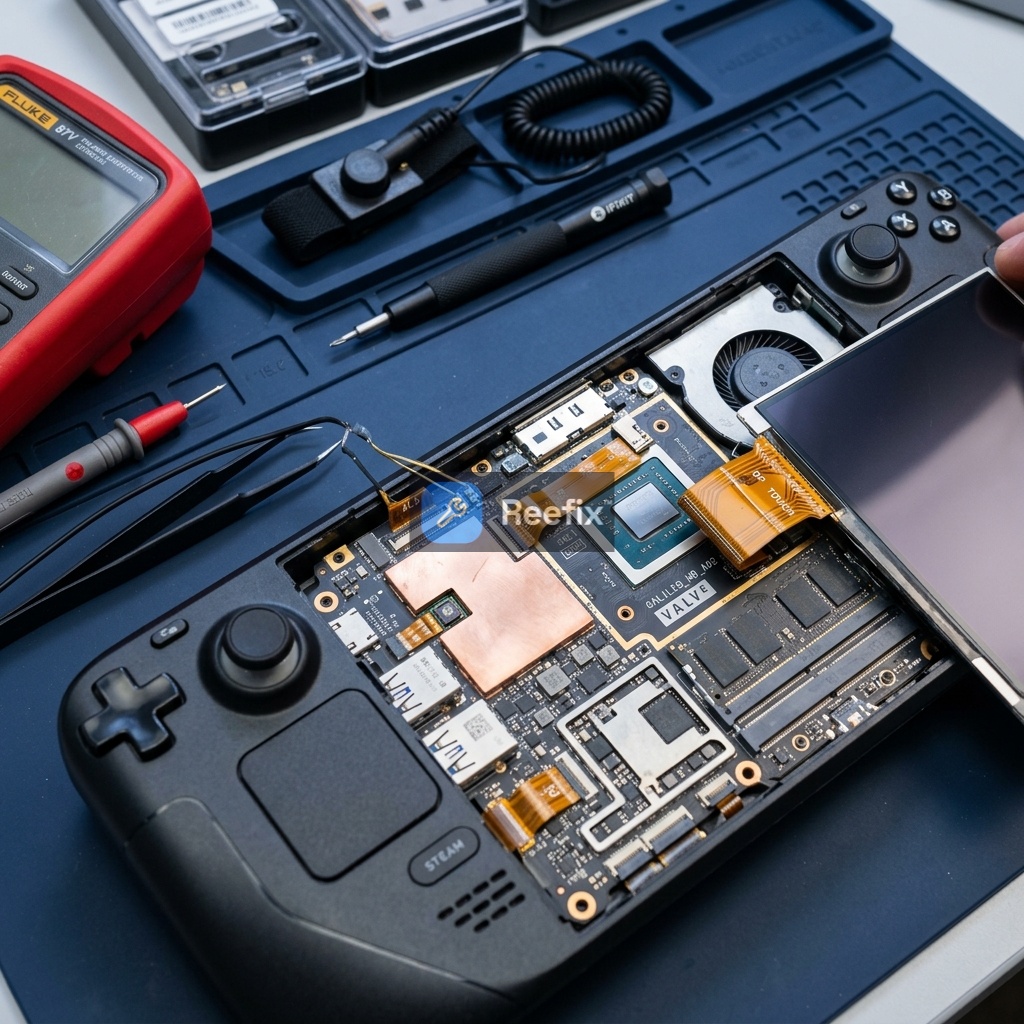
Steam Deck OLED: Automatic Brightness Not Working - Solution
📋 AI-generated diagnosis based on technical documentation Generated by ReeFix AI · Sources: technical and specialist documentation (see Sources section) Revision of 01/07/2026
ⓘThe spare parts links below are Amazon or eBay affiliate links. If you purchase through these links, we earn a small commission at no extra cost to you.
⚠️ SAFETY WARNING / FIRE HAZARD / ELECTRONIC DAMAGE. This device contains lithium batteries. Improper puncturing or bending during disassembly can cause explosions or flames. Furthermore, working on delicate electronic components such as the PCB and flat cables requires extreme precision to avoid electrostatic discharge (ESD), permanent motherboard damage, or the need for complex micro-soldering. The intervention requires precision and the assistance of a specialized technician is strongly recommended.
In most cases (80%), automatic brightness not working is due to a physical obstruction of the ambient light sensors (ALS) or a software conflict.
Quick checks (DIY):
Remove any non-original protective film or case that may cover the side edges of the screen and thoroughly clean the area. Often, unsuitable films or air bubbles cover the ambient light sensors (Dual ALS) located on the sides of the Steam Deck OLED display, blocking brightness to a minimum.
If the problem persists, try disabling third-party plugins or restoring SteamOS factory settings.
If these actions do not resolve the issue, the probability (15%) is a disconnection or damage to the internal flat cable (FPC), or, more rarely (5%), a hardware failure of the sensors themselves. These scenarios require opening the device and intervention by a technician.
Operational decision: Always start with DIY checks (cleaning the side sensors, removing the film, and software reset), which resolve 80% of cases. If the problem persists, it is very likely damage to the internal flat cable (15%) or, in rare cases, a sensor hardware failure (5%): in these situations, contact a specialized technician for repair or, if the cost of replacing the entire screen is excessive, consider replacing the device.
If you decide to proceed with replacing the Steam Deck OLED screen yourself, be extremely careful: the brightness sensors and delicate integrated flat cables are very easily damaged during panel detachment.
Frequently Asked Questions
Perché la luminosità automatica dello Steam Deck OLED non funziona?
Spesso dipende da pellicole che coprono i sensori di luce laterali o da bug software. Più raramente, da un cavo flat interno danneggiato.
Come capire se il sensore di luminosità dello Steam Deck OLED è guasto?
Rimuovi pellicole o sporco dai sensori ai lati dello schermo e resetta il software. Se non risponde ancora, potrebbe esserci un danno hardware.
Quanto costa riparare la luminosità automatica dello Steam Deck OLED?
Una pellicola nuova costa €10-€25. La diagnosi tecnica costa €30-€60, mentre sostituire lo schermo intero può superare i €100-€150.
You are reading a premium analysis that we chose to make accessible to everyone. If you have another problem to identify, create your account: the first technical verification is on us!
⭐ Verified ReeFix Partners
This diagnostic report is generated using an artificial intelligence system (RAG) based on the aggregation of online data. The moderation by Luca Chia (Electronic Expert) validates its logical coherence and technical plausibility regarding the described symptoms, confirming the correctness of the AI's diagnostic reasoning, without however constituting an absolute guarantee of resolution for individual cases.