
Amazfit GTR 4: Heart Rate Sensor Issue and Effective Solutions
Generated by ReeFix AI · Sources: technical and specialist documentation (see Sources section)
Revision of 20/06/2026
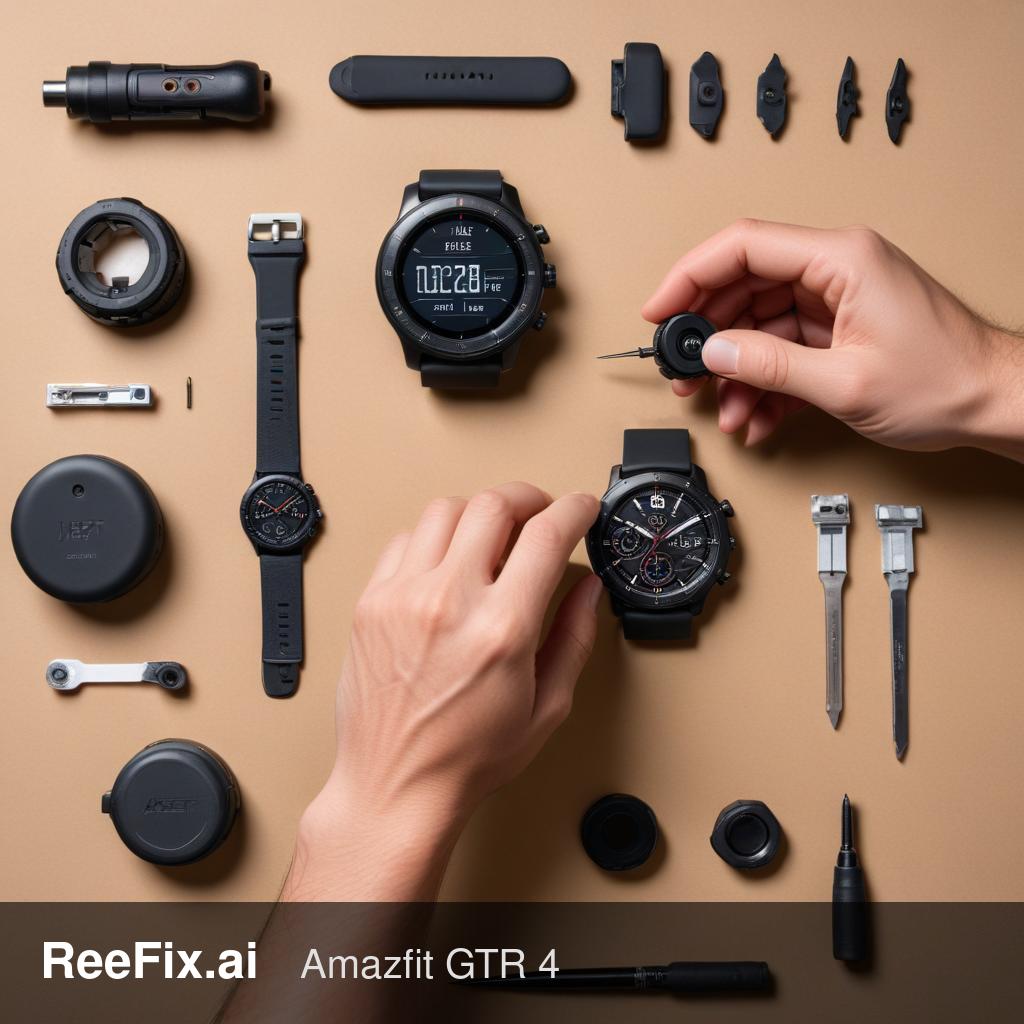
⚠️ SAFETY WARNING / FIRE RISK. This device contains lithium batteries. Improper puncturing or bending during disassembly can cause explosions or flames. The intervention requires precision and the assistance of a specialized technician is recommended. ReeFix provides this diagnosis EXCLUSIVELY for educational and informational purposes.
OBSERVED SYMPTOMS
The heart rate sensor of your Amazfit GTR 4 shows inaccurate, discontinuous, or completely absent readings. You might notice unusually high or low heart rate values, which double or halve your actual beat, or a complete interruption of the measurement. This often manifests during physical activity but can also occur at rest.
Key signs/indicators:
- Fluctuating or absent readings, especially with wrist movements.
- The heart rate temporarily stabilizes if you press the watch more firmly against your skin.
- The watch reports contact errors even when it seems well-positioned.
- Visible presence of dirt, film, or micro-scratches on the sensor lens on the back.
- The problem persists even after a restart or firmware update.
WHAT TO EXCLUDE
It is unlikely that the problem is related to:
- Low battery: A low battery level might affect general performance, but rarely causes a specific and persistent malfunction of only the heart rate sensor without other symptoms of shutdown or restart.
- Bluetooth connectivity: The PPG sensor is autonomous and does not depend on Bluetooth connection to detect heart rate. Connectivity is used to send data to the app, not to collect it.
- Generic software issues: If the device functions correctly in all its other features (notifications, GPS, screen, etc.), it is less likely to be a widespread software bug affecting only the heart rate sensor. A factory reset or firmware update can rule out minor signal interpretation anomalies, but they do not resolve mechanical or optical problems.
FINAL CAUSE
1. Incorrect positioning or inadequate strap (55%) The BioTracker 4.0 PPG sensor requires constant and uniform contact with the skin. If the watch moves, even slightly, or is positioned over the protruding wrist bone (ulnar styloid process), air gaps are created that allow ambient light to penetrate, saturating the photodiode and falsifying the reading. Stiff or worn straps do not maintain the necessary pressure.
- Quick checks:
- Remove the watch and reposition it about 1.5 cm from the wrist bone, tightening the strap so it is snug but not uncomfortable.
- Try replacing the current strap with an Amazfit GTR 4 elastic nylon strap or a soft silicone Amazfit GTR 4 strap. These materials adapt better to arm volume variations.
- Estimated costs: Low (10-25€ for a replacement strap).
- Common errors: Tightening the strap too much (compromises circulation) or too little (creates gaps). Positioning it exactly over the wrist bone.
- Often happens when: The watch is used for intense physical activity without an adequate strap or with suboptimal positioning.
2. Opacification or scratches on the sensor lens (25%) Prolonged use, contact with sweat, sebum, creams or detergents, and rubbing can cause micro-abrasions or an opaque film on the protective glass of the BioTracker sensor. This opacification diffuses the light from the LEDs and deflects the reflected light, drastically reducing the quality of the signal reaching the photodiode.
- Quick checks:
- Inspect the sensor lens (the transparent part on the back) under strong light. Look for scratches, film, or dirt.
- Gently clean the lens with a non-abrasive microfiber cloth and a small amount of Isopropyl alcohol for contact cleaning.
- Estimated costs: Very low (5-10€ for isopropyl alcohol, if not already owned). If the damage is structural (deep scratches), DIY repair is not possible.
- Common errors: Using aggressive detergents or abrasive cloths that can worsen opacification.
- Real micro-case: A user complained of incorrect readings after months of gym use. A thorough cleaning with isopropyl alcohol resolved the issue, revealing an accumulation of sunscreen residue and crystallized sweat.
3. Moisture infiltration or internal micro-failure (Medium probability) Impacts, drops, or aging of the gaskets can compromise the device's water resistance. Micro-condensation or moisture infiltration inside the back case, in front of the photodiode, can block or deflect optical signals. Similarly, a failure of the internal adhesive can misalign the sensor module with the transparent window, altering the angle of incidence of light.
- Quick checks: No direct checks for the user, requires opening the device.
- Estimated costs: Medium-high. Replacing the Replacement back cover with PPG sensor for Amazfit GTR 4 costs approximately 30-60€. Technician labor for opening, replacement, and resealing (with B-7000 waterproof adhesive) can range from 50-100€.
- Safety notes: Opening the device by unqualified personnel can damage the lithium battery or permanently compromise water resistance.
4. Optical component degradation or power supply circuit (Low probability) In rare cases, the emitting LEDs or the photodiode itself can degrade over time, or the power supply circuit on the motherboard can provide insufficient current. This reduces the intensity of the emitted light, making the sensor ineffective even with perfect contact.
- Quick checks: Requires professional instrumentation (oscilloscope, optical power meter) to test LED emission and photodiode sensitivity.
- Estimated costs: High. Replacing these components at the motherboard level is complex and often uneconomical. It might require replacing the entire logic board or the watch itself.
- Output for technician: Verify the light emission of the PPG LEDs and the power supply voltage of the sensor module on the motherboard.
Output for technician: The customer reports unreliable or absent heart rate readings on Amazfit GTR 4. Prioritize visual inspection of the sensor lens for opacification/scratches and cleaning. Subsequently, inspect the integrity of the rear seal and the alignment of the sensor module for possible infiltrations or structural misalignments. If necessary, test the emission of the PPG LEDs and the functionality of the photodiode.
Operational decision: If readings improve with an elastic strap and correct positioning or after thorough cleaning of the lens -> repair yourself; otherwise, if the problem persists and there is no visible damage to the lens -> contact a technician for an internal diagnosis; if the estimated repair cost exceeds 100-120€ or the device is very old -> replace the device.
Why is my Amazfit GTR 4 heart rate sensor inaccurate?
Inaccurate readings on your Amazfit GTR 4 often stem from sensor lens issues (dirt, scratches), poor skin contact, or internal sensor malfunction. Check for fluctuating readings or temporary stabiliza
How do I know if my smartwatch heart rate sensor is broken?
Key signs include consistently absent, discontinuous, or wildly inaccurate readings (doubling/halving actual beats), especially during movement, or persistent contact errors despite proper positioning
When should I seek professional help for a smartwatch heart rate sensor issue?
If cleaning the sensor and restarting the device don't resolve the issue, or if you suspect internal damage, it's best to consult a specialized technician for a proper diagnosis and safe repair.
This diagnostic report is generated using an artificial intelligence system (RAG) based on the aggregation of online data. The moderation by Luca Chia (Electronic Expert) validates its logical coherence and technical plausibility regarding the described symptoms, confirming the correctness of the AI's diagnostic reasoning, without however constituting an absolute guarantee of resolution for individual cases.