
Diagnosis of the Levoit Core 400S Air Purifier WiFi Connection Problem
Validated by Luca Chia, Certified Electronic Technician
Revision of 17/06/2026
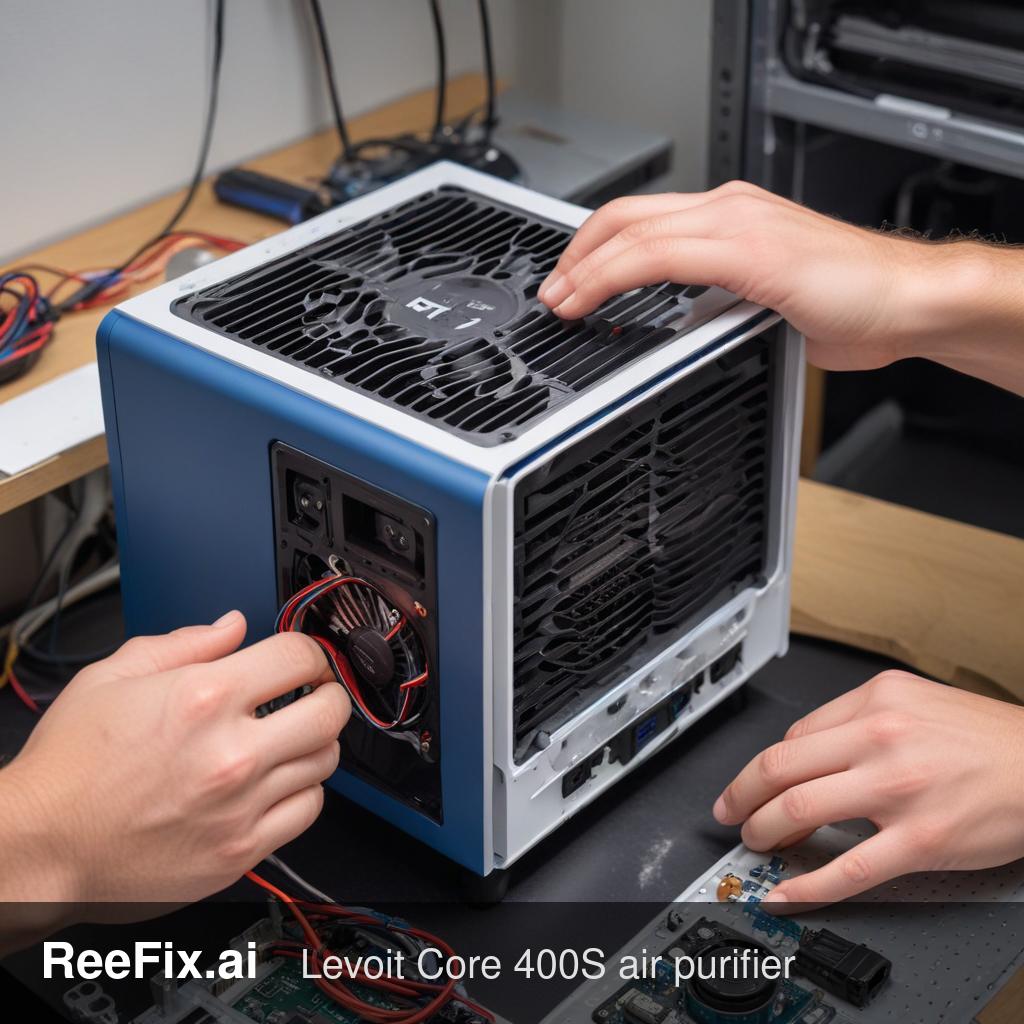
WARNING: This appliance is connected to the mains. It is mandatory to always disconnect it before any disassembly. If physical intervention is complex, it is recommended to rely on a qualified technician for your safety. ReeFix provides this diagnosis EXCLUSIVELY for educational and informational purposes.
CHECK 1: Network or User Configuration Issues (Probability: 40%)
Key signs: The VeSync app shows "offline," but the device works locally. The problem appeared after a router change, Wi-Fi password change, or moving the appliance. Other smart devices have similar issues.
Quick checks (do it yourself):
- Power cycle: Unplug the Levoit Core 400S from the outlet for at least 10 seconds, then plug it back in. This resets any temporary software glitches.
- Purifier Wi-Fi reset: Press and hold the power button on the Levoit Core 400S for about 5 seconds until the Wi-Fi icon starts flashing. This puts it into pairing mode, clearing previous credentials. Try configuring it again via the VeSync app.
- VeSync App: Make sure the app is updated to the latest version. Try clearing the app's cache or, in extreme cases, uninstalling and reinstalling it.
- Wi-Fi Router: Verify that your router is broadcasting a 2.4 GHz Wi-Fi network (the frequency used by almost all IoT devices). Restart the router. Ensure the Levoit is close enough to the router for a stable signal. A typical user error is placing the purifier too far away or behind thick obstacles.
Why: Often, the problem is a temporary misalignment between the purifier and the network, or an incorrect configuration. The purifier's Wi-Fi receiver is sensitive to interference or weak signals, especially if the Wi-Fi channel is congested.
Operational decision: If the purifier connects after these checks, the problem is resolved. Cost: 0€. Otherwise, proceed with Check 2.
CHECK 2: Wi-Fi Communication Board Malfunction (Probability: 35%)
Key signs: The Levoit Core 400S does not detect any Wi-Fi network, the Wi-Fi icon remains off or behaves abnormally despite a strong router signal and unsuccessful previous checks.
What to do (requires technician):
- Visual inspection: The technician will need to disassemble the appliance's top panel to access the communication/display board that houses the Wi-Fi chip and its antenna. They will look for signs of physical damage, oxidation, or soldering issues.
- Electrical test: Using a multimeter and a set of precision screwdrivers (with plastic opening tools to avoid scratching the casing), they will check the power supply and data lines entering the replacement Wi-Fi module for Levoit Core 400S or the board that integrates it.
Why: The Wi-Fi module is a delicate electronic component. A chip failure or a damaged antenna can prevent it from scanning networks or maintaining a stable connection, isolating the device from the VeSync app.
Costs: Replacement of the communication board/Wi-Fi module (part 15-40€) + labor (50-80€). Estimated total: 65-120€.
Operational decision: If the module or the upper board is damaged, a technician can replace them. If the total estimate exceeds 90-100€, consider replacing the entire device. Otherwise, proceed with Check 3.
CHECK 3: Main Control Board / Firmware Issues (Probability: 20%)
Key signs: The device shows other abnormal behaviors (e.g., unresponsive touch buttons, incorrect fan speeds, sudden shutdowns) in addition to the Wi-Fi problem. The upper communication board appears intact but does not receive the correct power voltage from the lower motherboard.
What to do (requires specialized technician):
- In-depth diagnosis: The technician will need to perform diagnostic checks on the main control board for Levoit Core 400S (usually located in the lower or side part of the frame), focusing on the power supply lines directly to the Wi-Fi module. They will look for faulty components (swollen capacitors, burnt resistors) or cold solder joints.
- Firmware check: It may be necessary to attempt a firmware update or re-flash if available via diagnostic tools, to rule out system-level software corruptions.
Why: The main control board manages power delivery and the logic of all purifier functions. A fault on this board can cut off power to the Wi-Fi module, preventing it from functioning even if the module itself is perfectly intact.
Costs: Replacement of the main control board (part 50-100€) + labor (50-80€). Estimated total: 100-180€.
CONCLUSION
- Network/Configuration Issues (40%): Always start with DIY checks (physical reset, router restart, 2.4 GHz frequency check on the app). If the problem is resolved, you've saved time and money.
- Communication Board / Wi-Fi Module (35%): If software checks fail, hardware failure of the receiver is likely. Consult a technician for diagnosis and possible replacement of the upper board. The repair cost (65-120€) can be cost-effective compared to buying a new device, provided the estimate does not exceed the 90-100€ threshold.
- Main Control Board (20%): If the technician diagnoses a problem with the main motherboard, the repair (100-180€) is almost always uneconomical considering the new value of the purifier. In this case, it is advisable to replace the entire Levoit Core 400S.
Operational decision: If user checks resolve the problem, proceed independently. If the problem persists and the technician estimates a Wi-Fi module repair under 90€, proceed with the intervention. If the repair exceeds 90€ or if the main control board is irreparably faulty, replacing the entire device is the most financially sensible choice.
Why is my Levoit Core 400S Wi-Fi not connecting?
Often due to network/user configuration (40% probability). VeSync app shows "offline" but device works locally. Check router settings or recent changes.
How to diagnose Levoit air purifier Wi-Fi issues?
Look for the VeSync app showing "offline" while the device functions locally. It often follows router changes, password updates, or device relocation.
When should I call a technician for a smart device Wi-Fi problem?
If basic network checks fail and physical intervention seems complex or risky, a qualified technician is recommended for safety and proper diagnosis.
This diagnostic report is generated using an artificial intelligence system (RAG) based on the aggregation of online data. The moderation by Luca Chia (Electronic Expert) validates its logical coherence and technical plausibility regarding the described symptoms, confirming the correctness of the AI's diagnostic reasoning, without however constituting an absolute guarantee of resolution for individual cases.