The listed partner professionals are independent entities. ReeFix acts exclusively as a referral platform and declines any liability for the services they provide.
🚀 Launched April 1, 2026
Chia Luca | P.IVA IT01433480991 | Sede Legale: Via Filippo Casoni 4a r, Genova (GE) Italia | Reefix™ è un marchio depositato di Luca Chia.
DJI Mini 4 Pro: SD Card Error and Data Loss - Guide
📋 AI-generated diagnosis based on technical documentation Generated by ReeFix AI · Sources: technical and specialist documentation (see Sources section) Revision of 07/07/2026
ⓘThe spare parts links below are Amazon or eBay affiliate links. If you purchase through these links, we earn a small commission at no extra cost to you.
⚠️ SAFETY WARNING. Before cleaning the slot or inspecting the contacts, always remove the drone's intelligent flight battery to prevent accidental short circuits. Lithium polymer (LiPo) batteries require maximum attention: do not puncture, bend, or expose them to heat sources to avoid fire or explosion risks. ReeFix provides this information for illustrative purposes only.
DJI Mini 4 Pro SD Card Error Diagnosis
SD card errors and subsequent data loss on the DJI Mini 4 Pro are common problems, often attributable to the use of unsuitable, worn, or counterfeit memory media. This inconvenience typically manifests with the "SD card slow" message on the remote controller display or with sudden video recording interruptions.
For a quick diagnosis and effective solution, consult the following checklist:
Problem Detected
Probable Cause
Recommended Solution
"SD card slow" message or video recording interruptions
Unsuitable, worn, or counterfeit SD card (55% of cases). Insufficient write speed for 4K video.
Problem persists after cleaning/straightening or abnormal overheating
Hardware defect on the main logic board (10% of cases).
Requires specialized technical assistance.
Operational decision: If replacing the MicroSD and thoroughly cleaning the slot do not resolve the error, it is necessary to contact a specialized technical assistance center for an in-depth hardware diagnosis. Should irreparable damage to the motherboard be found, carefully consider replacing the entire drone, as repair costs could exceed the residual value of the device.
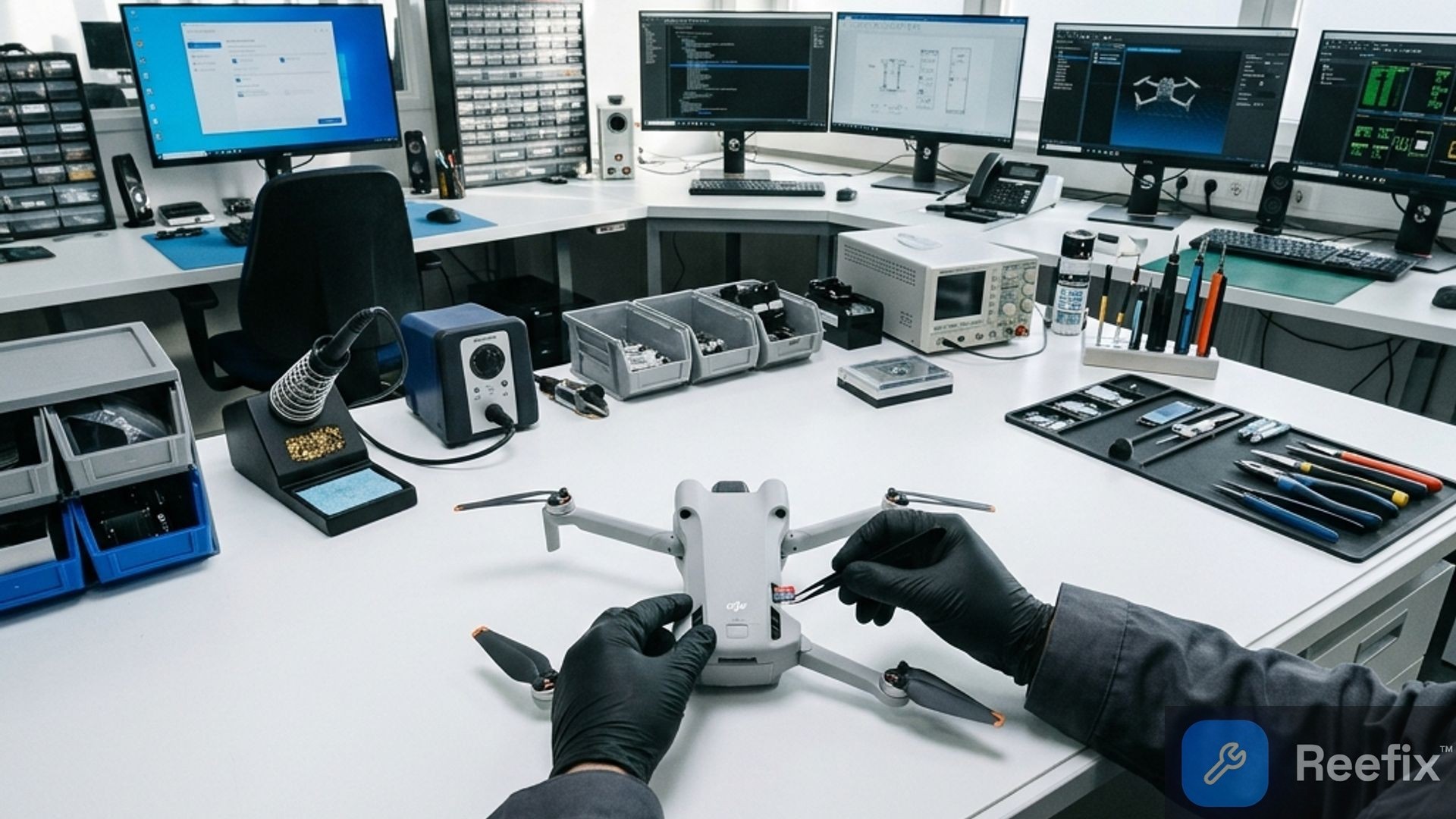
If you notice that the card no longer clicks into place or is difficult to insert, avoid forcing it. Often the internal pins of the slot bend or deform, preventing proper electrical contact and requiring careful manual straightening with micro-tweezers.
Frequently Asked Questions
Why does my DJI Mini 4 Pro report an SD card error?
It often depends on unsuitable or worn-out cards (55%), or on oxidation or deformation of the metal contacts of the microSD slot (27%).
How can I tell if my SD card is causing the error on the drone?
Use a certified UHS-I U3 V30 MicroSD and format it using the DJI Fly app. If the error persists, try gently cleaning the slot.
When should I contact a technician for an SD card error on the DJI Mini 4 Pro?
If the problem persists after changing the card and cleaning the contacts, there might be damage to the motherboard that requires assistance.
You are reading a premium analysis that we chose to make accessible to everyone. If you have another problem to identify, create your account: the first technical verification is on us!
⭐ Verified ReeFix Partners
This diagnostic report is generated using an artificial intelligence system (RAG) based on the aggregation of online data. No publication happens automatically: the rigorous multi-step moderation by Luca Chia (Electronic Expert) validates its logical coherence and technical plausibility regarding the described symptoms, confirming the correctness of the AI's diagnostic reasoning, without however constituting an absolute guarantee of resolution for individual cases.