The listed partner professionals are independent entities. ReeFix acts exclusively as a referral platform and declines any liability for the services they provide.
🚀 Launched April 1, 2026
Chia Luca | P.IVA IT01433480991 | Sede Legale: Via Filippo Casoni 4a r, Genova (GE) Italia | Reefix™ è un marchio depositato di Luca Chia.
📋 AI-generated diagnosis based on technical documentation Generated by ReeFix AI · Sources: technical and specialist documentation (see Sources section) Revision of 05/07/2026
ⓘThe spare parts links below are Amazon or eBay affiliate links. If you purchase through these links, we earn a small commission at no extra cost to you.
SAFETY WARNING / FIRE RISK. This device contains lithium batteries. Improper piercing or bending during disassembly can cause explosions or flames. The intervention requires precision and the assistance of a specialized technician is recommended. ReeFix provides this diagnosis EXCLUSIVELY for educational and informational purposes.
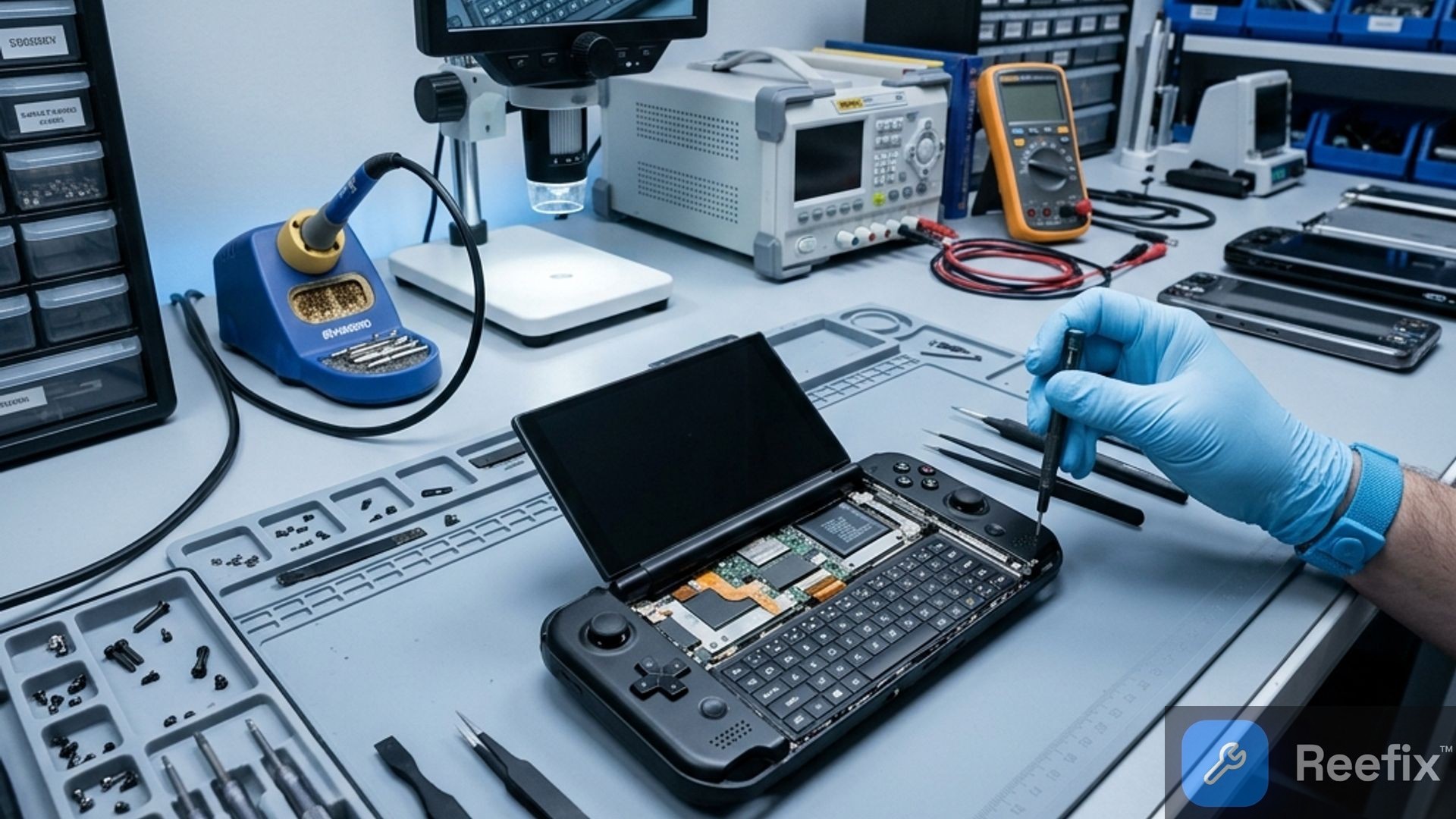
GPD Win 4 Screen and Keyboard Sliding Diagnosis
The stiffness or blockage of the screen sliding mechanism (which slides upwards to reveal the physical keyboard) of the GPD Win 4 2025 is usually attributable to three main causes:
Dirt and debris (45-50%): Accumulation of dust or small residues inside the metal side rails causes stiff sliding and a progressive "grinding" effect.
Loose micro-screws (25-30%): If one of the small internal screws of the frame or mechanism loosens and protrudes, it can suddenly block the screen's travel.
Interfering FPC cable (15-20%): The flexible flat cable (FPC) connecting the screen to the motherboard can bend abnormally or get stuck, hindering movement and causing potential image flickering on the display.
Many users on technical forums report that incorrect positioning or damage to this flexible flat cable can also cause sudden persistent flickering or completely black screens during daily use.
Quick checks for diagnosis:
Progressive resistance: If the sliding becomes stiff gradually, it is likely due to dirt or debris.
Sudden blockage: A sharp and unexpected blockage suggests the presence of a loose micro-screw obstructing the mechanism.
Video flickering: If the display flickers or shows anomalies during sliding, the FPC cable might be damaged or stuck.
You are reading a premium analysis that we chose to make accessible to everyone. If you have another problem to identify, create your account: the first technical verification is on us!
⭐ Verified ReeFix Partners
This diagnostic report is generated using an artificial intelligence system (RAG) based on the aggregation of online data. No publication happens automatically: the rigorous multi-step moderation by Luca Chia (Electronic Expert) validates its logical coherence and technical plausibility regarding the described symptoms, confirming the correctness of the AI's diagnostic reasoning, without however constituting an absolute guarantee of resolution for individual cases.