
Philips 55PUS8507 TV Ambilight Not Working: Diagnosis and Solution
Validated by Luca Chia, Certified Electronic Technician
Revision of 14/06/2026
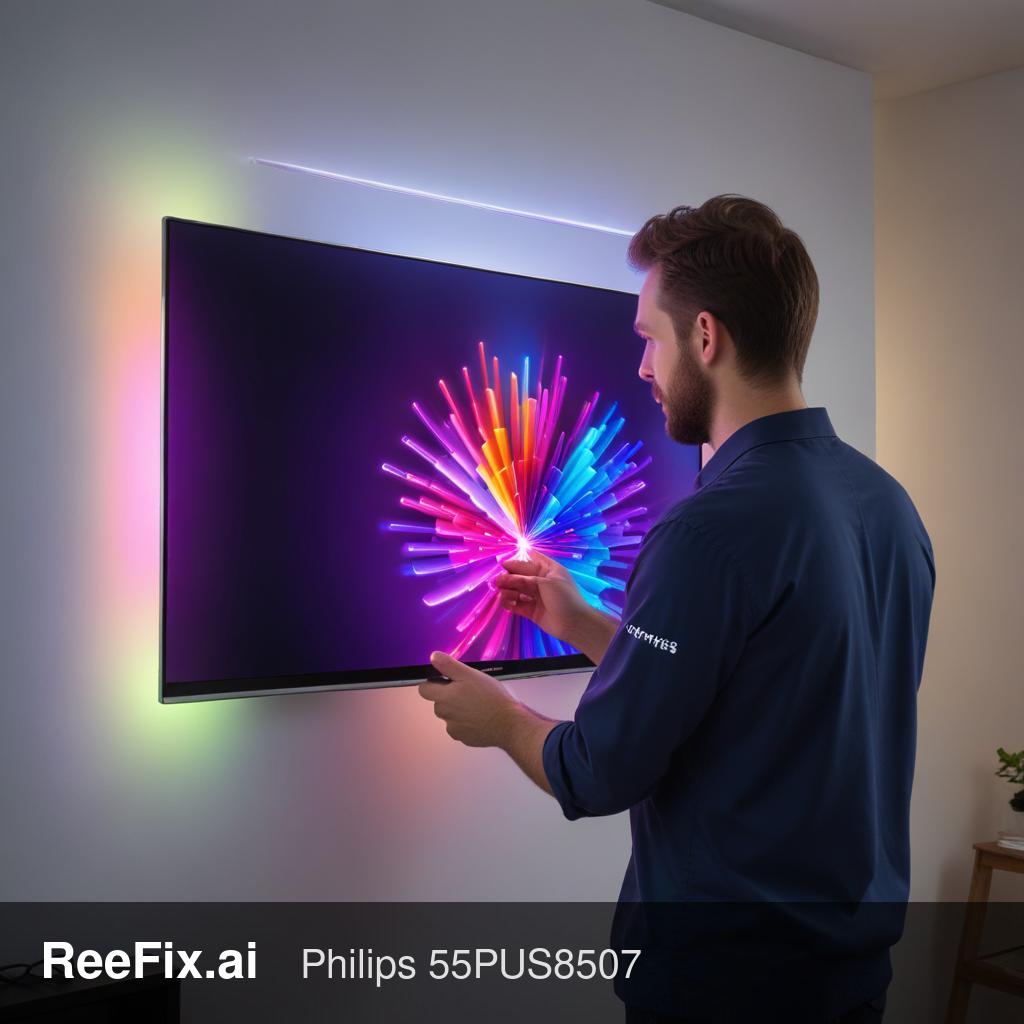
WARNING ⚠️ ELECTRICAL SHOCK AND MECHANICAL DAMAGE RISK. Before any intervention, physically unplug the power cord from the 230V outlet and wait 10 minutes for the power board capacitors to discharge. If you need to remove the back cover, place the TV face down ONLY on a flat, wide surface covered with a soft blanket: the 55-inch LCD panel is extremely fragile and cracks with minimal flexing. ReeFix provides this diagnosis for educational purposes.
CAUSE A: Software Issues or Android TV Settings (Ambilight)
Probability: 35-45% Often, an Ambilight system stuck on a fixed color, off, or unsynchronized is due to a temporary software anomaly. The Philips 55PUS8507 model uses the Android TV operating system, which manages video analysis and sends commands to the Ambilight module. A system bug, a stuck background app, or a power outage can corrupt this process.
- Quick Checks (Checklist):
- Ambilight Settings: Access the Ambilight menu and verify that it is set to "Follow video" or "Follow audio," not static modes (Lounge light/Fixed color).
- Complete Restart (Hard Reset): Unplug the TV from the wall outlet for at least 5 minutes, then plug it back in. This clears the system cache.
- Firmware Updates: Check for and install any available firmware updates for Android TV in the system settings.
- Factory Reset: As a last software resort, perform a factory reset (note: this will erase all your settings and apps).
- Key signals/indicators: The problem appeared suddenly, perhaps after an update or a power surge. The video panel and audio work perfectly.
- Costs: None.
- Common mistake: Immediately thinking of a hardware failure without first unplugging the power cord to clear the Android TV system cache.
CAUSE B: Main Board Failure
Probability: 30-40% Your Philips main board manages video processing and generates specific color data for the 3-sided Ambilight system. If the microcontroller dedicated to Ambilight or the connection port on the main board fails, the rear LED strips will not receive the correct instructions, remaining off or stuck on a single color.
- Key signals/indicators: The Ambilight is stuck or off, but the rest of the TV's functionalities (picture, apps, Wi-Fi) are perfect. Sometimes, the Ambilight menu might appear grayed out or inaccessible in the settings.
- Counter-examples: If the TV does not turn on at all, or has severe video problems (black screen with audio present), the problem might lie elsewhere (e.g., power board or panel backlight).
- Costs: Medium-High. Purchasing a main board compatible with the Philips 55PUS8507 requires an investment, but the technical intervention is quick: just remove the plastic back cover to access the board, without having to touch the delicate LCD panel. For a 2022 TV, repair is almost always cost-effective.
- Output for technician: "Ambilight system unresponsive. Verification of voltages and data signal output from the Ambilight connector on the Main Board to the external LED strips is required."
CAUSE C: Ambilight LED Strips or Wiring Issue
Probability: 20-30% Unlike backlight LEDs (which are inside the screen), Ambilight LED strips are positioned on the outer edges of the TV's rear frame. If one of these strips burns out, short-circuits, or if the flat cable connecting them to the main board loosens, the lighting effect will be interrupted. Often, being connected in series or cascade, the failure of a single LED module can block the entire strip or cause it to display incorrect colors.
- Key signals/indicators: Only one side of the Ambilight is not working (e.g., right side off, top and left working), or the LEDs show incorrect colors compared to the on-screen image.
- Required tools: Phillips head screwdrivers for the back cover, plastic tools, and a multimeter to test the continuity of flat cables and the power input to the strips.
- Safety notes: The intervention requires removing the back cover. It is not necessary to disassemble the LCD panel, making the operation much less risky than a backlight replacement, but it still requires delicacy when handling flat connectors.
- Costs: Low-Medium. Finding replacement Ambilight LED strips for the Philips 55PUS8507 has a low cost. Labor is reasonable as access is direct once the back panel is removed.
WHICH IS YOURS? (Recommended Diagnostic Path)
- Step 1: Electrical and Software Reset (CAUSE A)
- Action: Always start with an electrical reset (unplug for 5 minutes) and check Ambilight settings and software updates.
- Reason: This is the most common and easiest cause to resolve, often fixing temporary blocks in the Android TV system.
- Step 2: Visual Inspection of LED Strips (CAUSE C)
- Action: If the problem persists after the software reset, carefully observe whether the Ambilight defect is localized (e.g., only one side off or with incorrect colors) or if it affects all sides.
- Reason: An asymmetrical defect almost always indicates a physical problem with the LED strips or their wiring. A technician can replace the faulty strip.
- Step 3: Main Board Diagnosis (CAUSE B)
- Action: If the Ambilight is completely inactive on all sides, the cables are intact, and software solutions have had no effect, the problem is likely in the Ambilight controller on the Main Board.
- Reason: For a recent model like the 55PUS8507, replacing the Main Board is a cost-effective and definitive intervention, to be entrusted to a specialized technician.
This diagnostic report is generated using an artificial intelligence system (RAG) based on the aggregation of online data. The moderation by Luca Chia (Electronic Expert) validates its logical coherence and technical plausibility regarding the described symptoms, confirming the correctness of the AI's diagnostic reasoning, without however constituting an absolute guarantee of resolution for individual cases.