
Pioneer DDJ-FLX6 Jog Wheel Not Working: Diagnosis and Repair Guide
Generated by ReeFix AI · Sources: technical and specialist documentation (see Sources section)
Revision of 13/05/2026
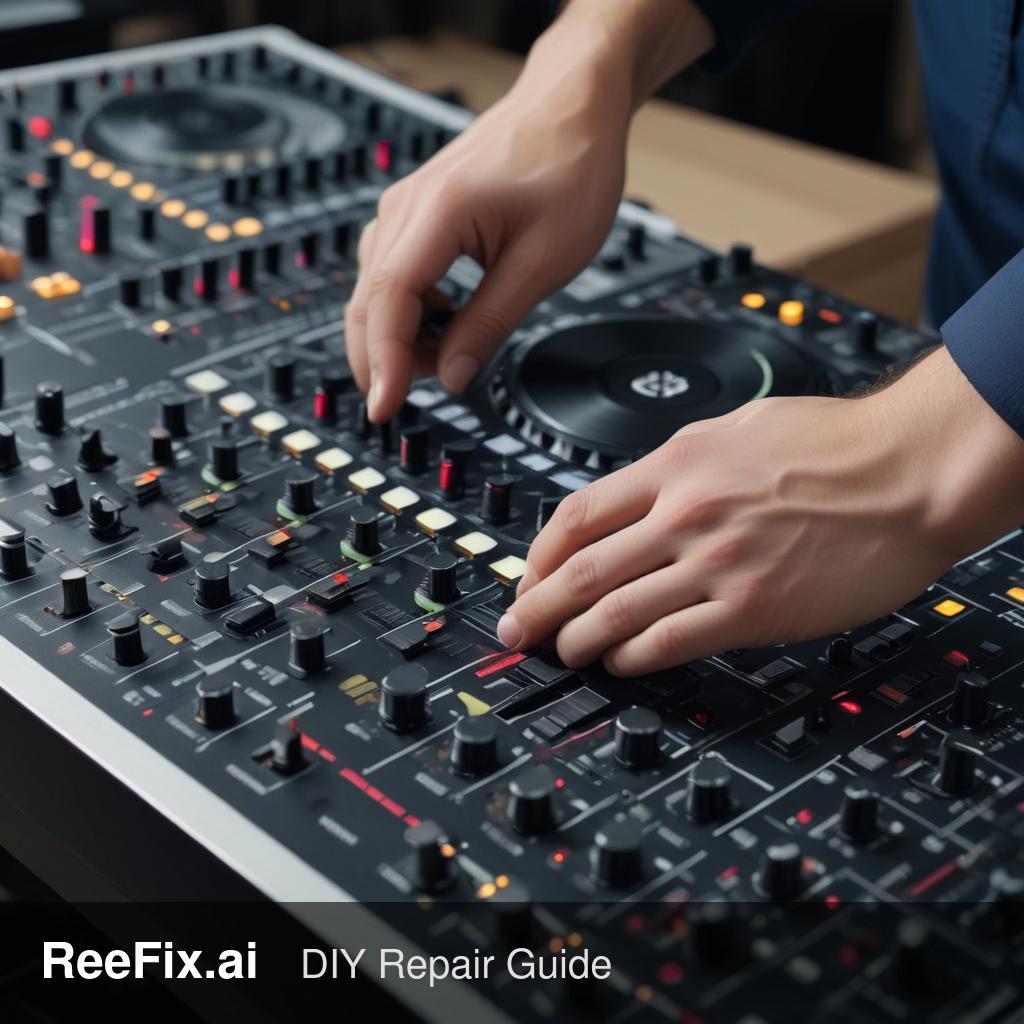
⚠️ WARNING. This device is connected to the mains electricity. It is mandatory to always disconnect it before any disassembly. If the physical intervention is complex, it is recommended to rely on a qualified technician for your safety. ReeFix provides this diagnosis EXCLUSIVELY for educational and informational purposes.
TYPICAL ERROR
Your Pioneer DDJ-FLX6 shows a persistent problem: the left jog wheel is not working, the entire left deck is unresponsive, and the computer reports a generic USB connection error. This symptomatic picture is common in digital controllers and suggests an interruption in communication between the physical components, internal electronics, and the host computer.
Key signals/indicators:
- The left deck is completely inactive, with no control over playback, scratching, or pitch.
- The DJ software (e.g., rekordbox) does not recognize the controller or only partially.
- USB recognition errors or intermittent disconnections on the computer.
Most probable causes:
- Software problems (drivers/firmware): 40-50% probability. Corrupted, outdated, or damaged ASIO drivers or firmware are a very common cause. Often the user does not perform regular updates or a clean reinstallation.
- Damaged USB cable or port: 25-30% probability. A poor quality, too long, unshielded, or faulty USB cable can cause instability or connection failure. The controller's USB port can also suffer physical damage or cold solder joints.
- Faulty left jog wheel encoder: 15-20% probability. The encoder, which translates physical movement into digital signals, is a component subject to wear. It could be dirty, worn, or have a faulty internal sensor (optical or magnetic).
- Main PCB failure: 5-10% probability. A more serious problem on the main motherboard, particularly in the section that manages the left deck inputs or the USB controller, can generate all symptoms.
HOW TO FIX
Quick checks (without disassembly, high priority):
- USB Cable: Replace the USB cable with a high-quality, short, and shielded one. Try different USB ports on the computer and, if possible, on a different computer. This is the simplest step and resolves many cases.
- Software and Drivers: Completely uninstall all existing Pioneer drivers from your computer. Restart the system, download the latest driver and firmware versions from the official Pioneer website, and install them. Often, a "typical user error" is not performing a complete cleanup before reinstallation.
- Firmware: Make sure the DDJ-FLX6 firmware is updated to the latest available version. Follow Pioneer's instructions for updating.
If the problem persists (hardware intervention, requires caution): ⚠️ Safety note: disassembly voids the warranty and requires attention. If you lack experience, consult a technician.
- USB port inspection: With the device disconnected, inspect the Pioneer DDJ-FLX6 USB Port on the controller. Look for bent pins, cracked solder joints, or dirt.
- Jog wheel encoder check:If you decide to open the controller (look for a video tutorial for the procedure), check the left jog wheel encoder. Ensure that the flat cables are properly inserted and that there are no mechanical obstructions or dirt on the sensors. A faulty Pioneer DDJ-FLX6 Jog Wheel Encoder should be replaced.
- Tools needed for internal inspection: Precision screwdriver set, Antistatic wrist strap. For electrical tests, a Multimeter is indispensable.
Costs (estimated spare parts only):
- Jog wheel encoder: 20-50€
- USB port: 10-30€
- Pioneer DDJ-FLX6 Main PCB: 100-200€+ (most expensive and complex component to replace).
FINAL CHECK
After each repair attempt, reconnect the DDJ-FLX6 to the computer and verify the correct functioning of the left deck and jog wheel in your DJ software. Ensure there are no USB errors and that all functions respond as expected.
Operational decision: If software and USB cable checks do not resolve the problem, and you lack experience with electronics or do not feel confident disassembling the device, consult a technician; if the estimated cost of the main spare part (e.g., motherboard) and labor exceeds 60% of the value of a new DDJ-FLX6, consider replacement.
This diagnostic report is generated using an artificial intelligence system (RAG) based on the aggregation of online data. The moderation by Luca Chia (Electronic Expert) validates its logical coherence and technical plausibility regarding the described symptoms, confirming the correctness of the AI's diagnostic reasoning, without however constituting an absolute guarantee of resolution for individual cases.